Brand kit
Quetext brand kit.
Logos, colors, banners, screenshots and approved wording for anyone writing about or listing Quetext.
Logo
Our logo
The Quetext logo is the symbol and the wordmark together. Download SVG for web and print, or PNG with a transparent background for documents and slides.



Find the right logo file
| Where | Size | File |
|---|---|---|
| Square logo or avatar, any site | 512 × 512 | quetext-icon-512.png |
| Avatar cropped to a circle (X, LinkedIn, YouTube) | 800 × 800 | quetext-icon-square-800.png |
| Avatar on a dark profile | 800 × 800 | quetext-icon-square-indigo-800.png |
| Wide logo on a white page | 1200 × 300 | quetext-logo-on-white-1200x300.png |
| Wide logo on a dark page | 1200 × 300 | quetext-logo-white-transparent-1200x300.png |
| Web or print, any size | Vector | quetext-logo.svg |

The kit also has the symbol in 12 sizes from 16 to 1024 px, and the logo in four color versions at 600 × 150, 1200 × 300, 2400 × 600.
Usage
Using the logo
Do
- Use the files from the brand kit as they are.
- Keep clear space around the logo equal to the height of the “q”.
- Keep the full logo at least 96px wide on screen, and the symbol at least 24px.
- Use the white logo when the background is dark or busy.
Don’t
- Stretch, rotate, crop or redraw the logo.
- Change its colors, or add shadows, outlines or effects.
- Place the primary logo on a background where it is hard to read.
- Combine it with another logo or use it as part of your own product name.
Color
Color palette
Select a HEX value to copy it.
Brand colors
The three colors of the Quetext logo.
Quetext IndigoRGB 39, 44, 163
GreenRGB 66, 186, 150
CoralRGB 255, 90, 95
Interface colors
Used across quetext.com for actions, text and backgrounds.
Action BlueRGB 51, 94, 234
InkRGB 22, 28, 45
SlateRGB 80, 102, 144
MistRGB 249, 251, 253
Typography
Typography: Nunito
Nunito is the Quetext typeface. Its rounded letterforms match the logo and keep long reports easy to read. It is free to use from Google Fonts.
Get Nunito from Google Fonts →Heading · ExtraBold 800
Write with confidence
Subheading · Bold 700
Plagiarism and AI detection in one report
Body · Regular 400
Quetext helps students, teachers and professionals check their writing for originality and cite their sources correctly.
Naming
Writing our names
| Write it like this | Not like this | Note |
|---|---|---|
| Quetext | QueText, Que Text, quetext | One word, capital Q only. |
| DeepSearch™ | Deep Search, Deepsearch | One word, capital D and S. Add ™ on first mention. |
| ColorGrade™ | Color Grade, Colorgrade | One word, capital C and G. Add ™ on first mention. |
| AITutorMe | AI Tutor Me, AiTutorMe | One word, no spaces. |
Descriptions
Approved wording, short to long
Please use this wording as written, so Quetext is described the same way wherever it appears. For taglines, use the longest line the field allows.
Taglines
Up to 30 characters25 characters
Plagiarism and AI checker
Up to 40 characters35 characters
Plagiarism checker with DeepSearch™
Up to 60 characters51 characters
Plagiarism checker and AI detector with DeepSearch™
Up to 80 characters72 characters
Find copied and AI-written text, with each match shown beside its source
Up to 100 characters95 characters
Quetext checks writing for plagiarism and AI, trusted by 10 million+ students and professionals
Social profiles
X bio124 characters
Know your writing is original. Plagiarism checker and AI detector with DeepSearch™, used by 10 million+ writers. quetext.com
LinkedIn tagline110 characters
Helping students, teachers and professionals write original work with DeepSearch™ plagiarism and AI detection.
Descriptions
One line89 characters
Find copied and AI-written text in your writing, with each match shown beside its source.
Short144 characters
Quetext is a plagiarism checker and AI detector. DeepSearch™ catches copied and reworded text, and ColorGrade™ shows each match with its source.
Medium275 characters
Quetext tells you whether your writing is original. DeepSearch™ technology spots exact copies and reworded passages, ColorGrade™ feedback color-codes each match beside its source, and the AI detector flags text that reads as machine-written. Try it free on up to 1,000 words.
Standardabout 85 words
Quetext helps students, teachers and professionals make sure their writing is original. Paste text, upload a file or enter a web address, and DeepSearch™ technology compares it against billions of pages, books and journals. ColorGrade™ feedback color-codes exact and near matches and puts each one next to its source, while the AI detector flags sections that read as machine-written. A grammar checker, citation generator, summarizer and paraphrasing tool come with the same account. You can try it free on up to 1,000 words.
Longabout 245 words
Quetext is where writers go to confirm their work is their own. Over 10 million students, teachers and professionals use it to check essays, articles and reports before they are submitted or published.
At its core is DeepSearch™ technology. It combines Contextual Analysis, Fuzzy Matching and Conditional Scoring to catch not only word-for-word copying but passages that have been reworded, comparing your text against billions of web pages, over 20 million books and more than 1 million academic journals. ColorGrade™ feedback then color-codes exact and near matches and places each one next to the source it came from, so you can quote it, cite it or rewrite it.
The AI detector runs in the same scan. It returns an AI Score and points to the sections that look like they came from ChatGPT, Gemini or another AI model.
Around that sit the writing tools: a grammar checker, a citation generator for MLA, APA and Chicago, an AI summarizer, an AI humanizer and the AITutorMe paraphrasing tool.
Quetext runs on the web, in Chrome and Firefox through its extensions, inside AI assistants through the MCP connector, and in your own product through the API. Bulk Scan handles up to 100 documents at once, and URL Check scans a live page from its link.
You can try Quetext free on up to 1,000 words without an account. Paid plans add longer checks, bulk uploads and downloadable reports. Scans stay private and are never shared with third parties.
Banners
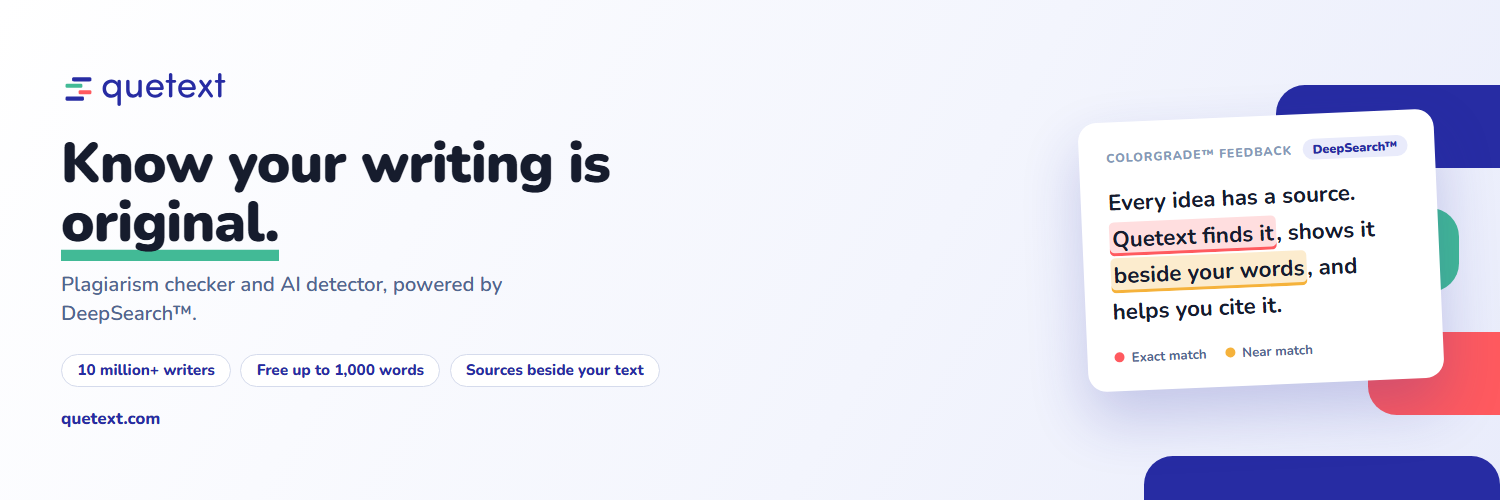
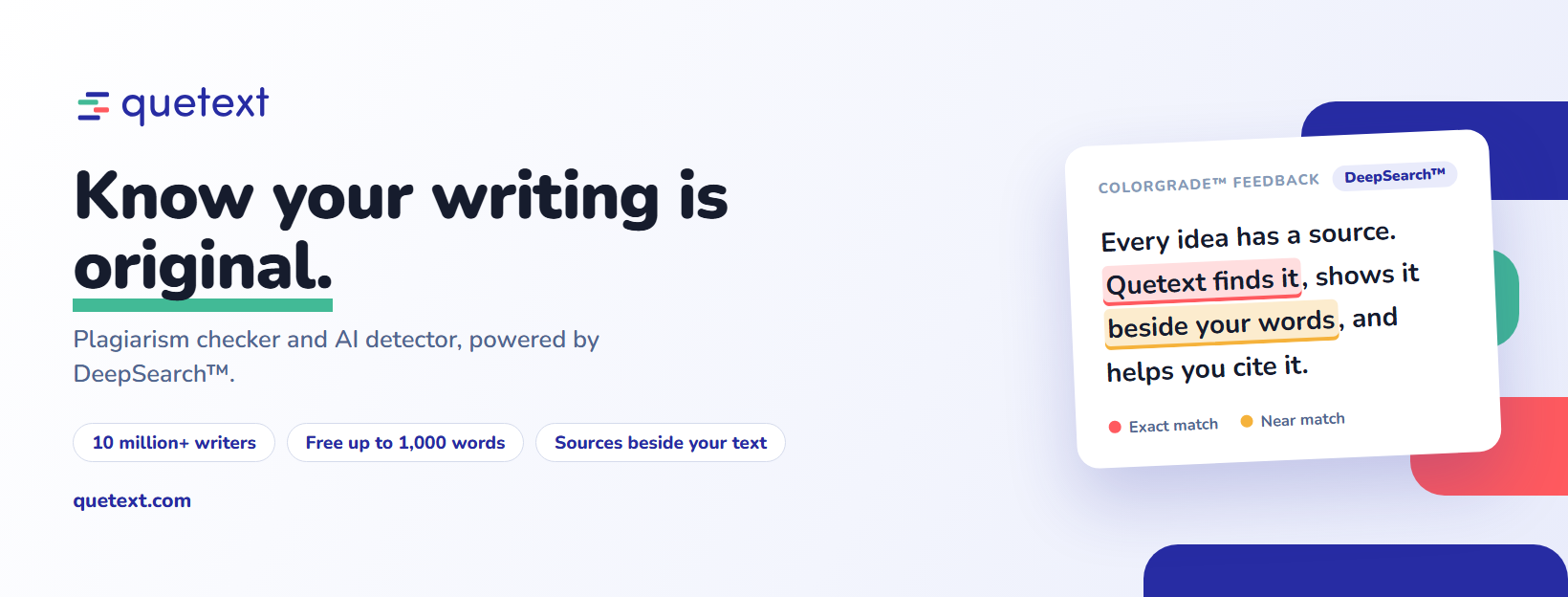
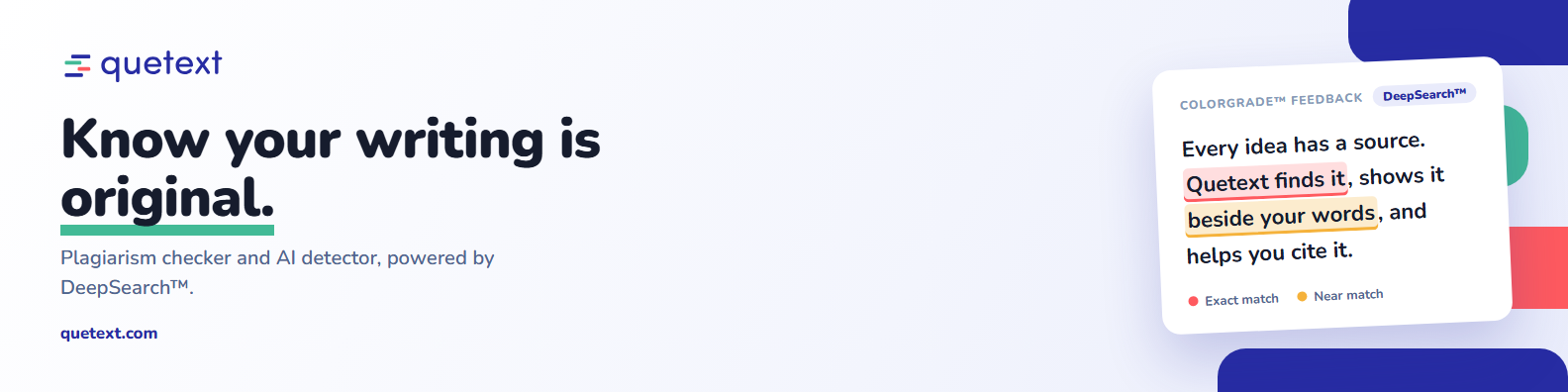
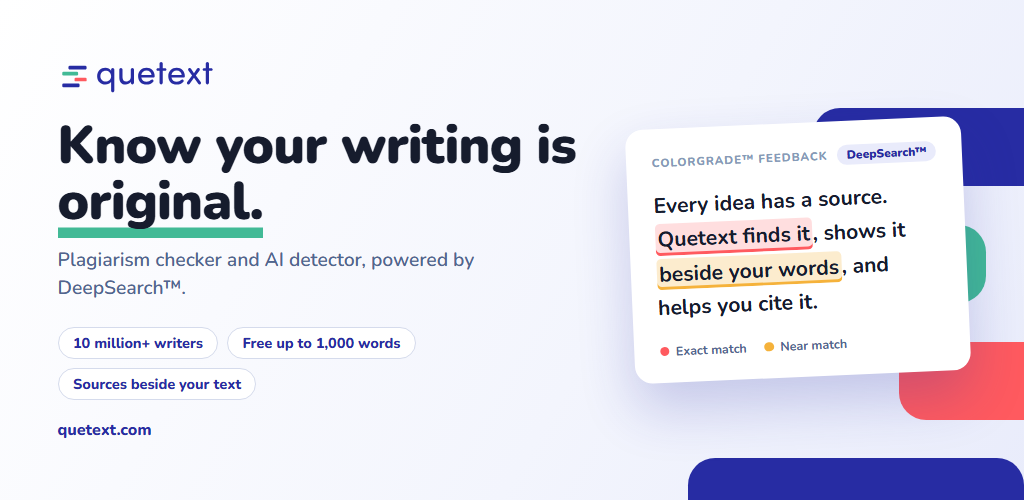
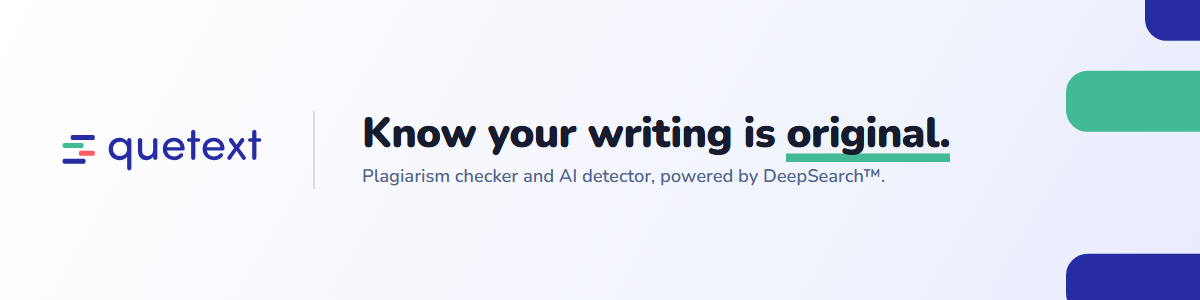
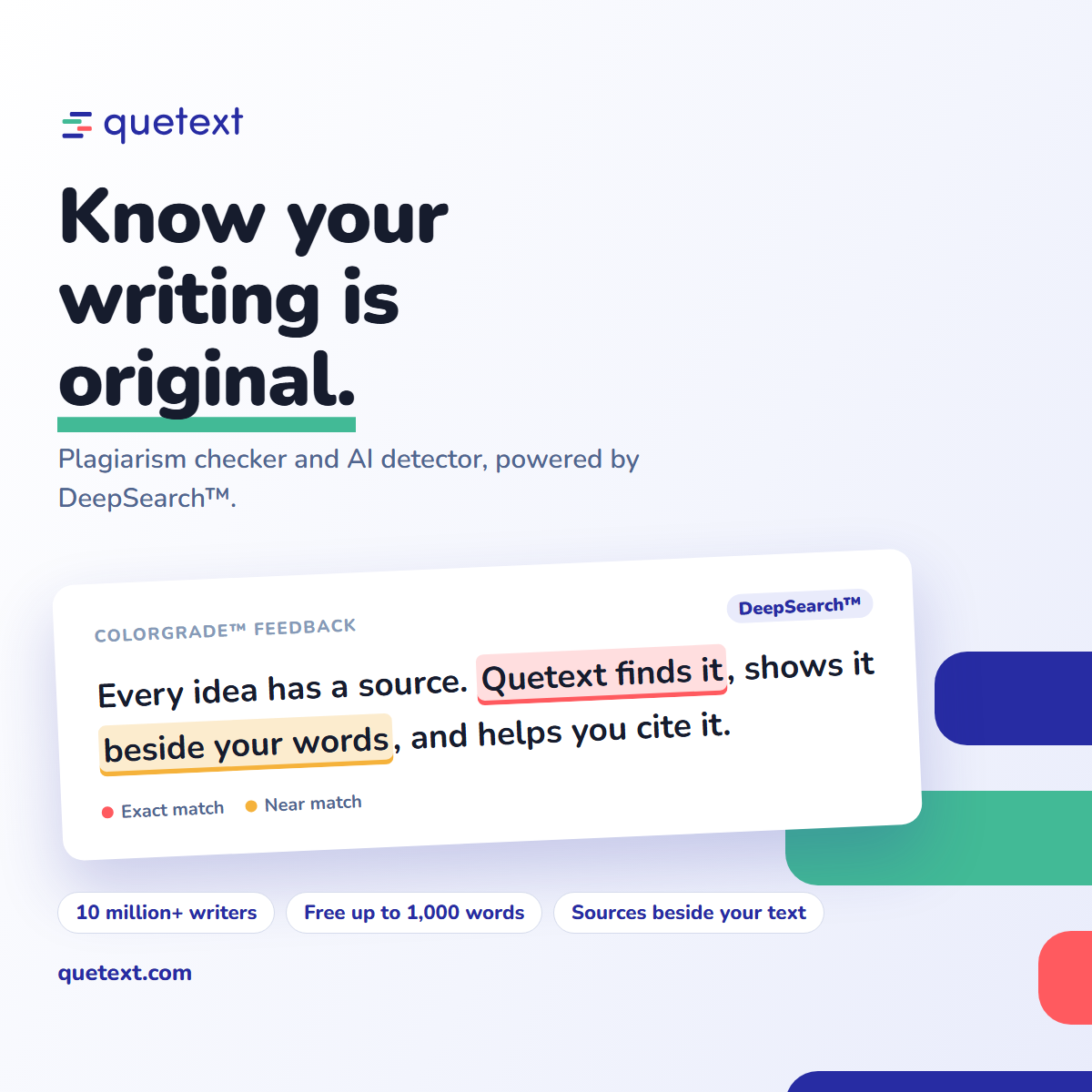
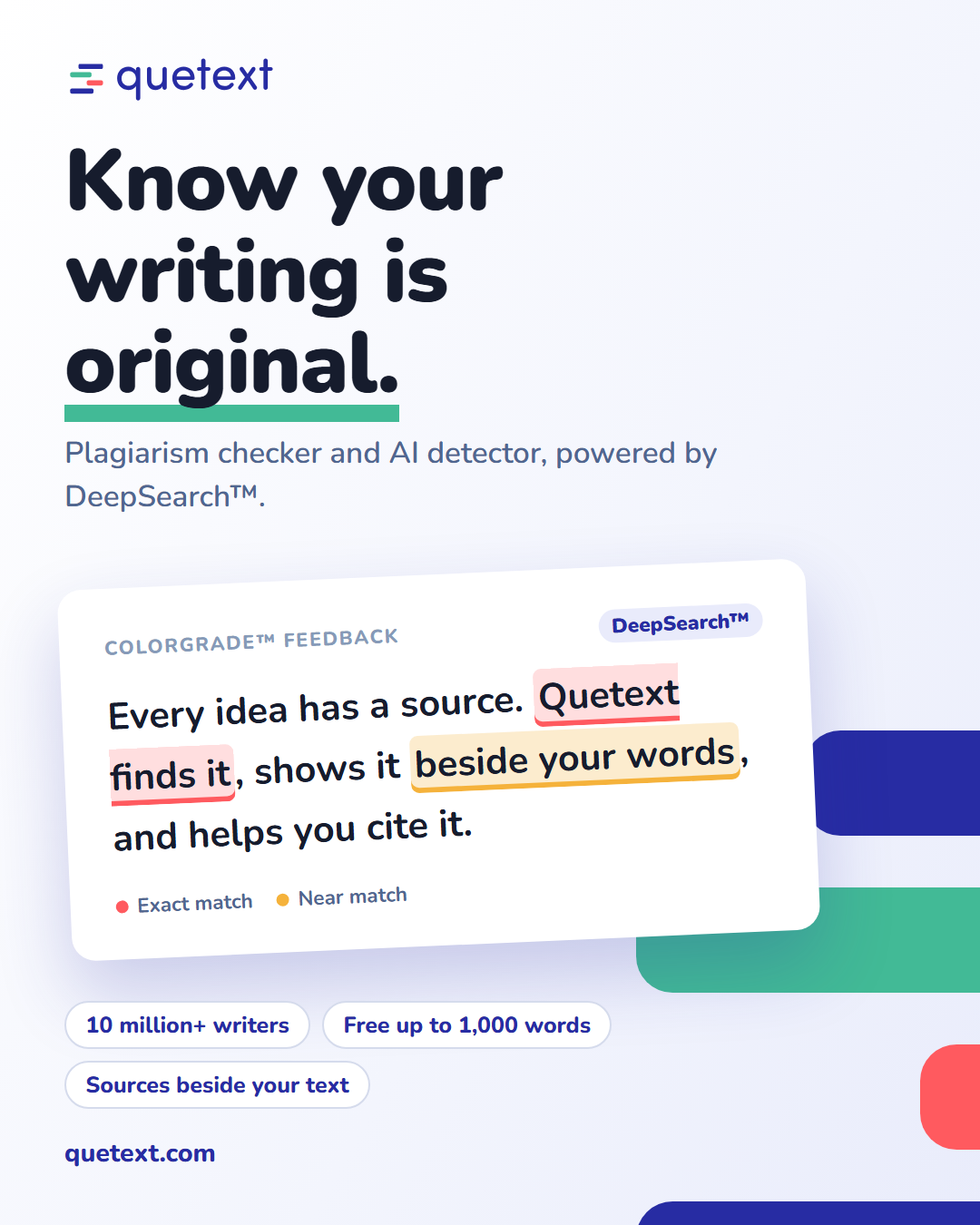
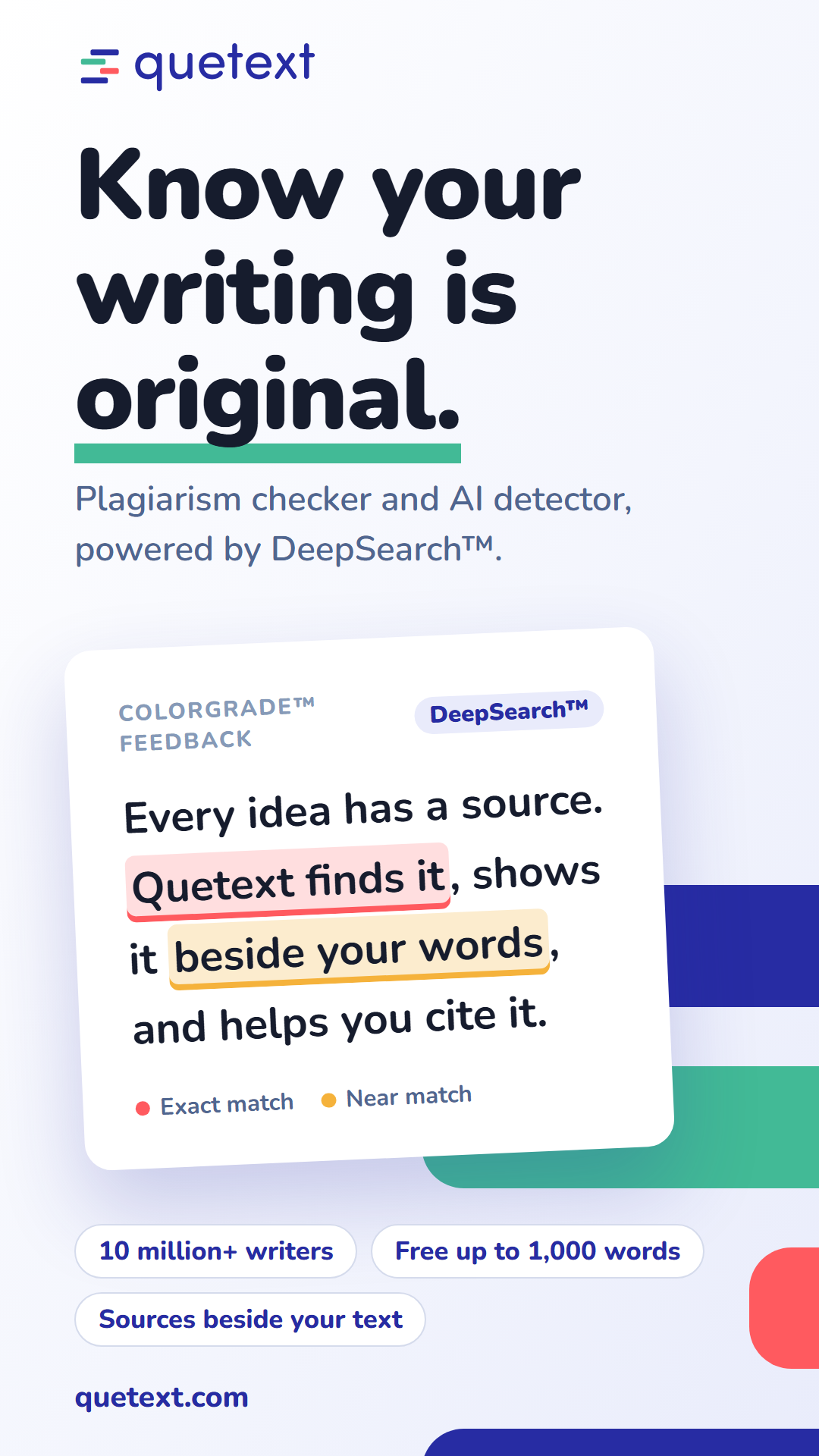
Banners sized for each platform
All 14 sizes are shown below. Each carries the same message, laid out for that shape. Select a banner to download it.
Landscape
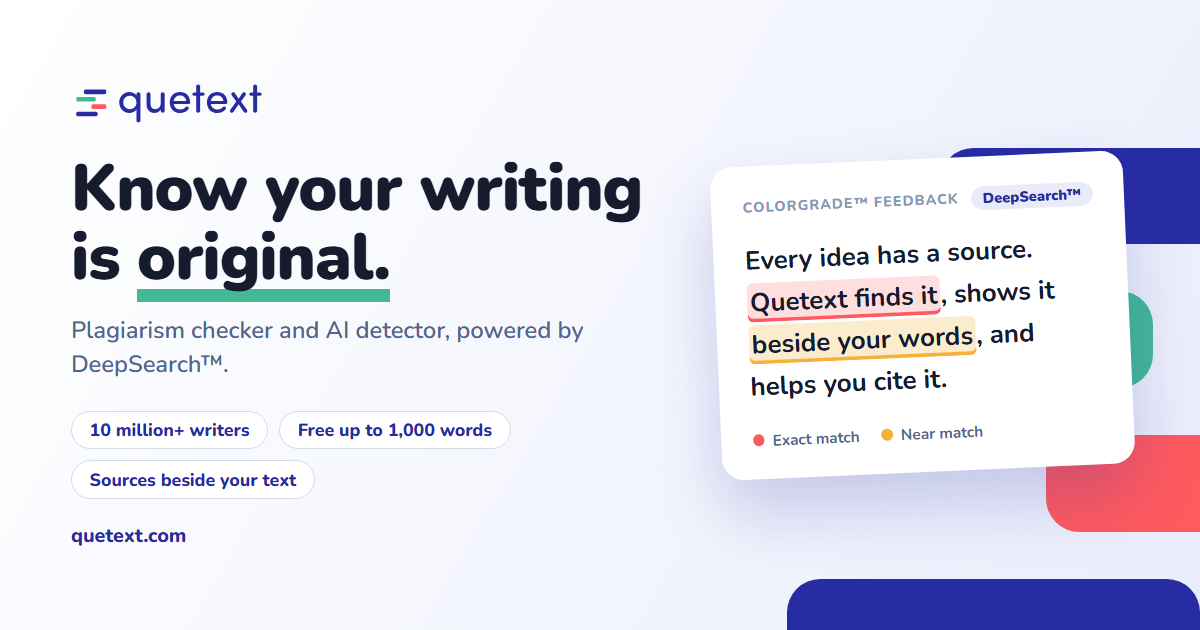
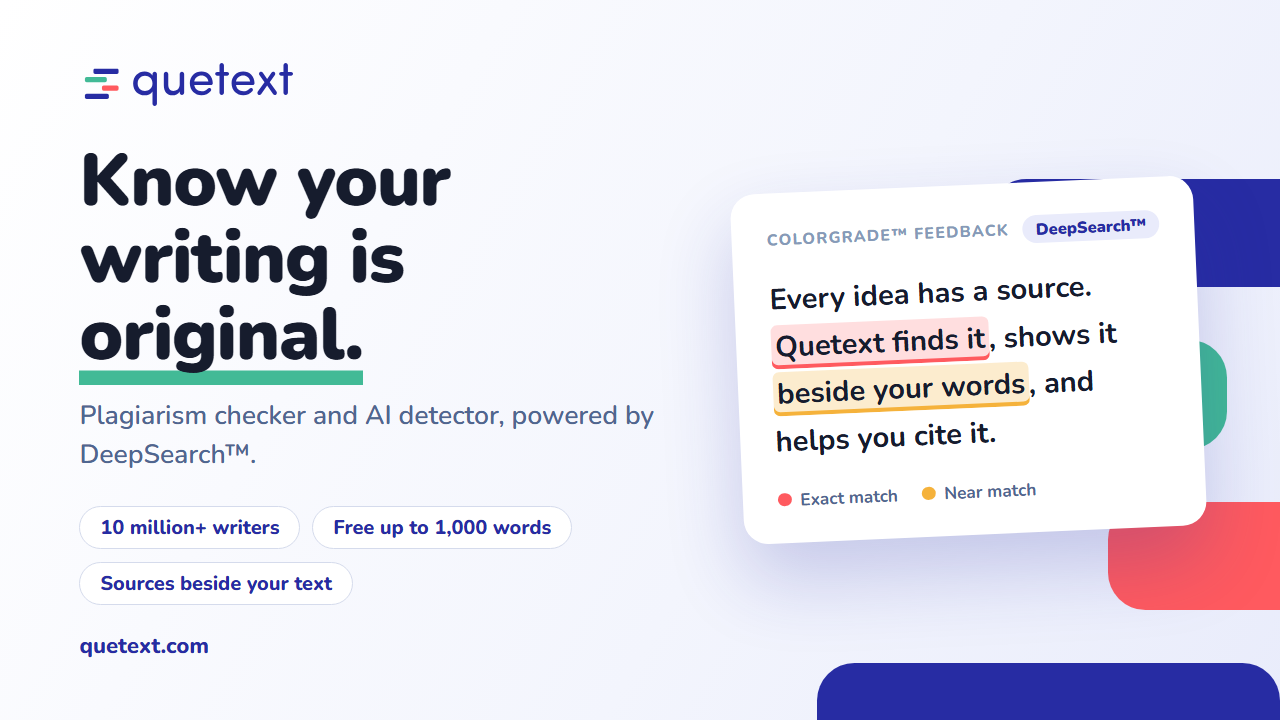
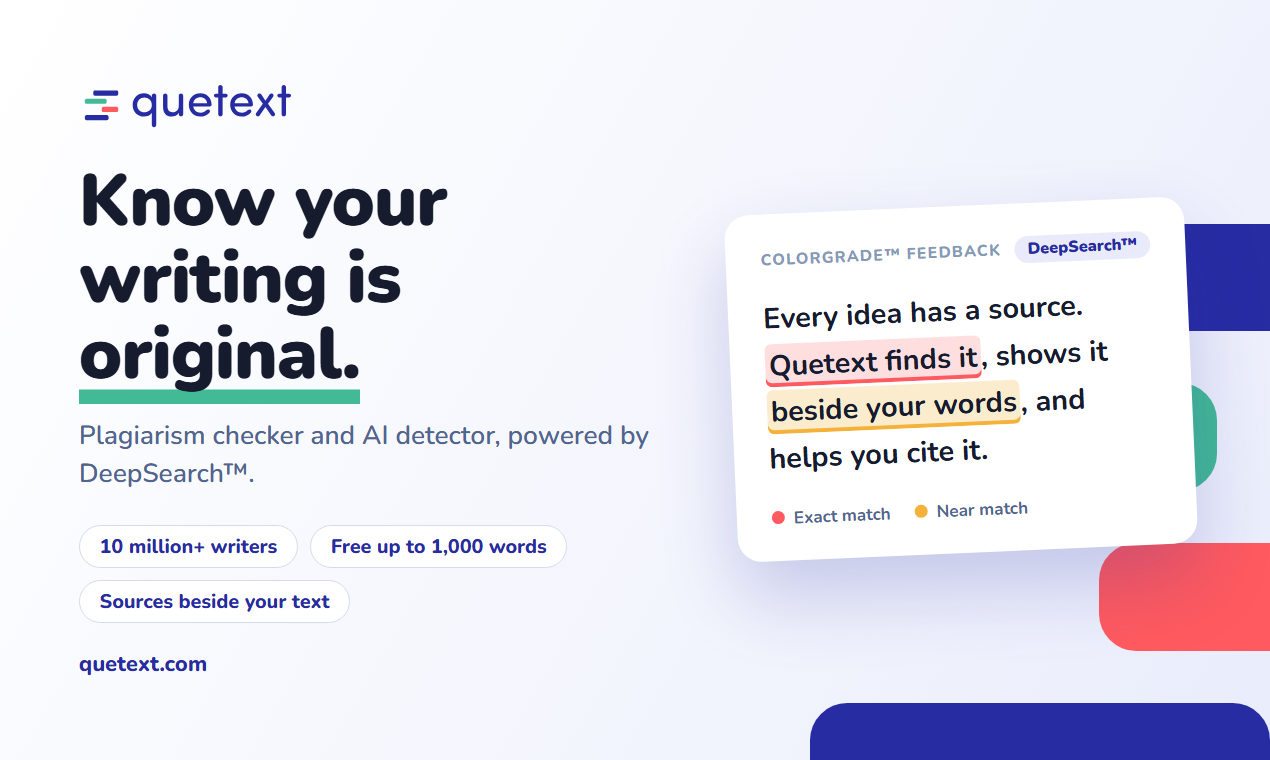
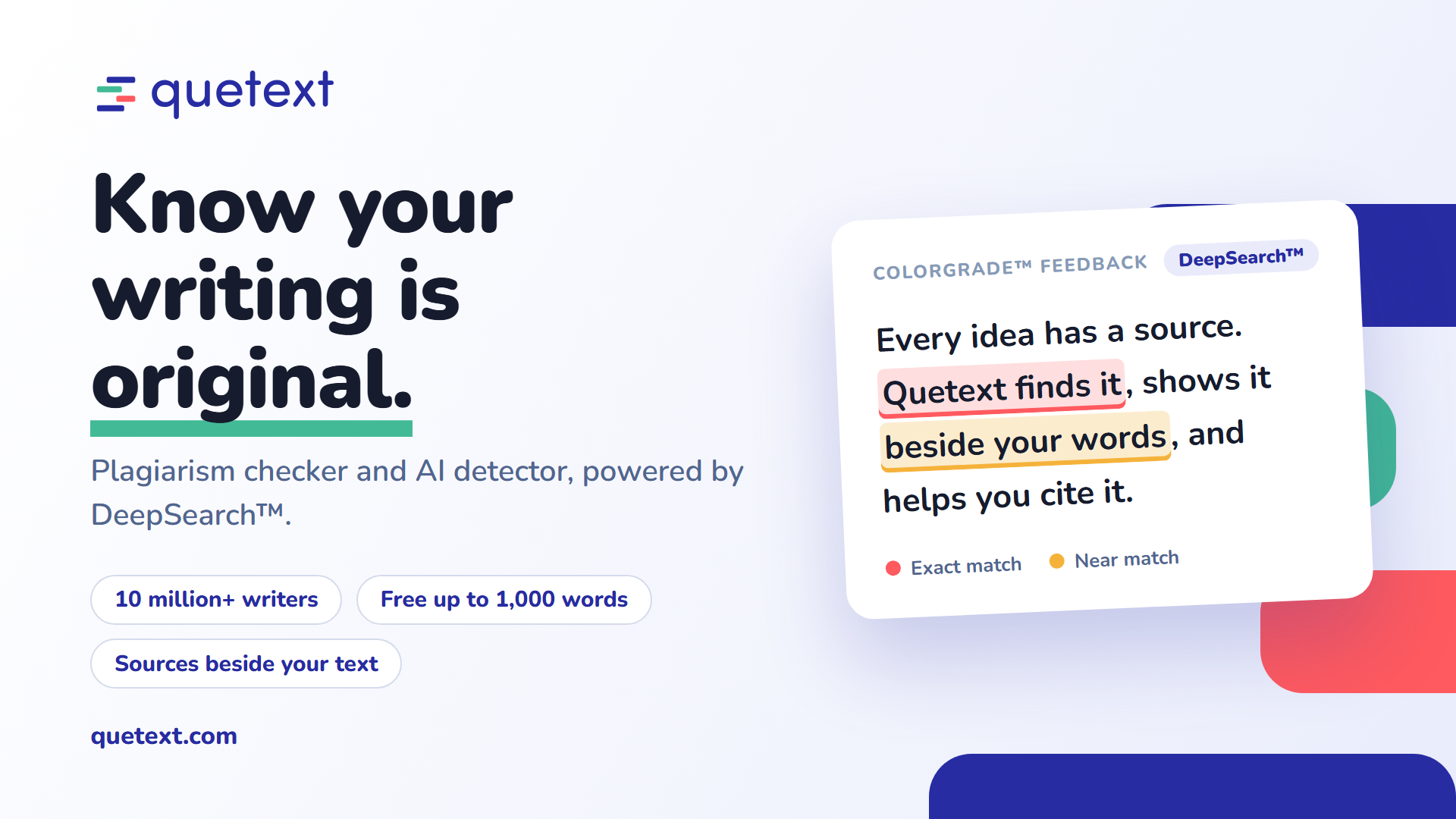
Wide covers and headers

Square and vertical
Find the right banner
Product screenshots
Quetext in use
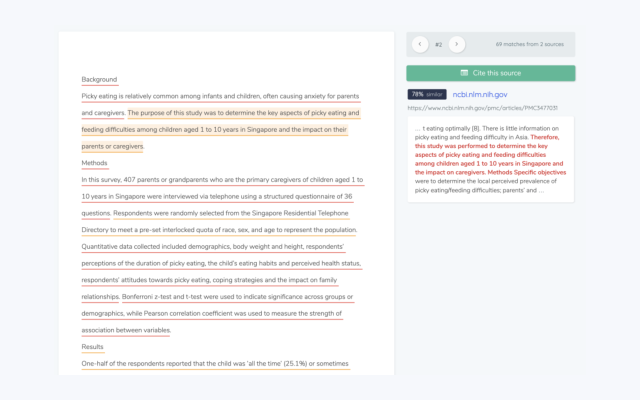
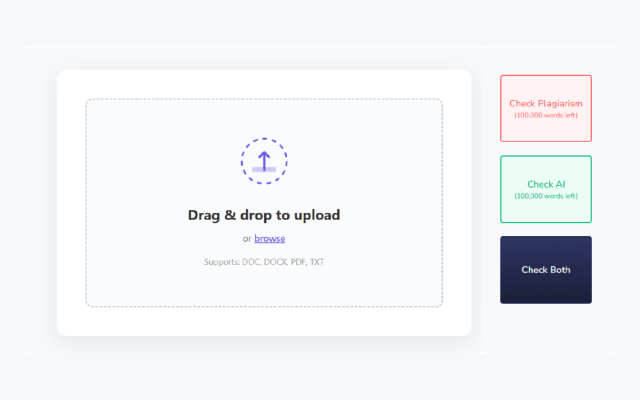
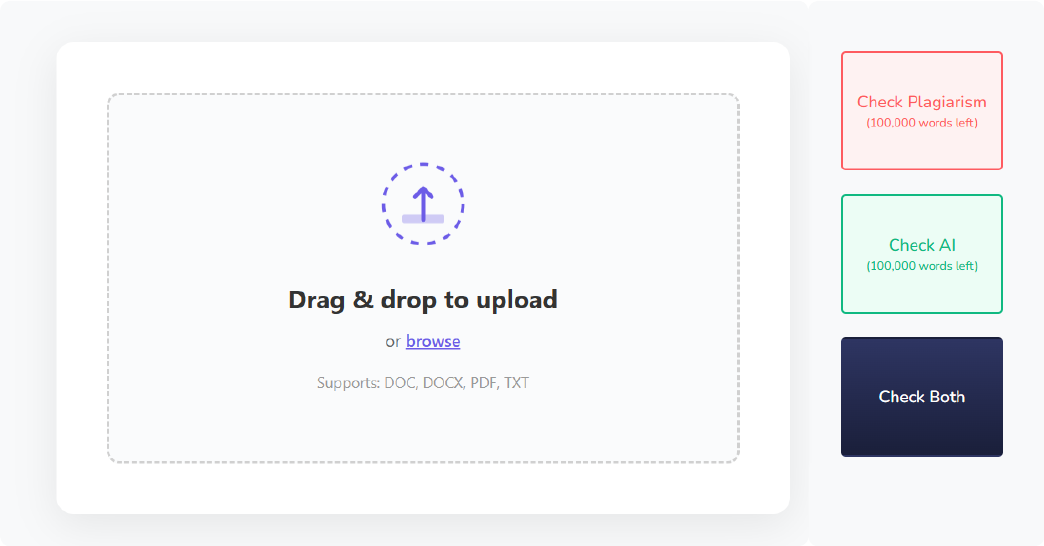
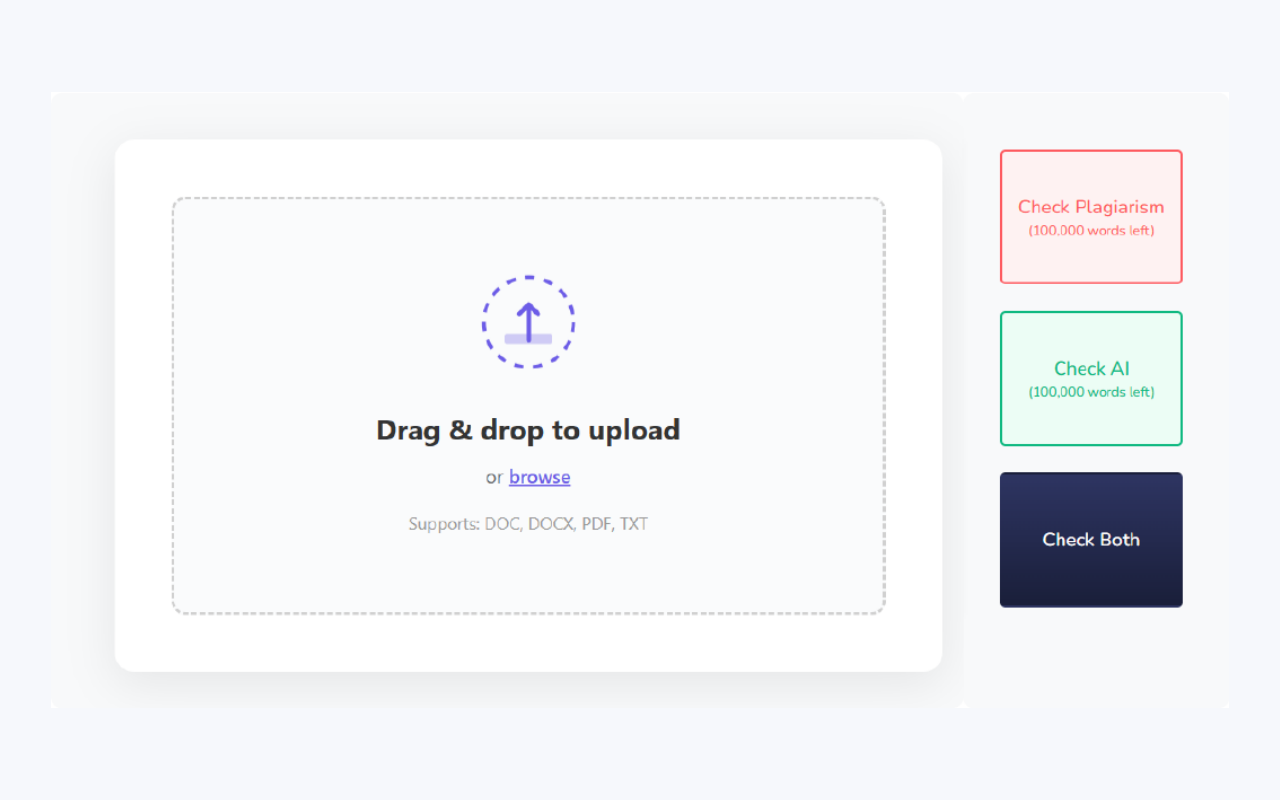
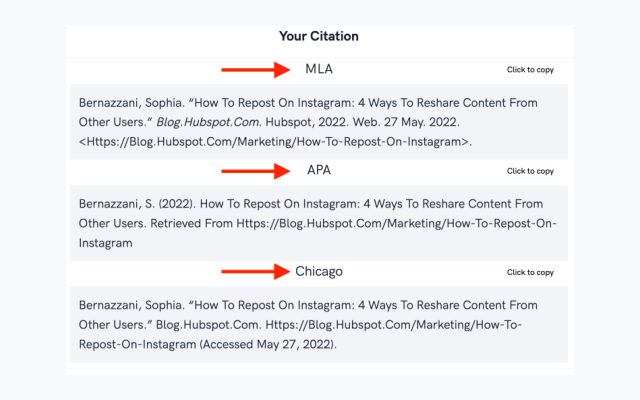
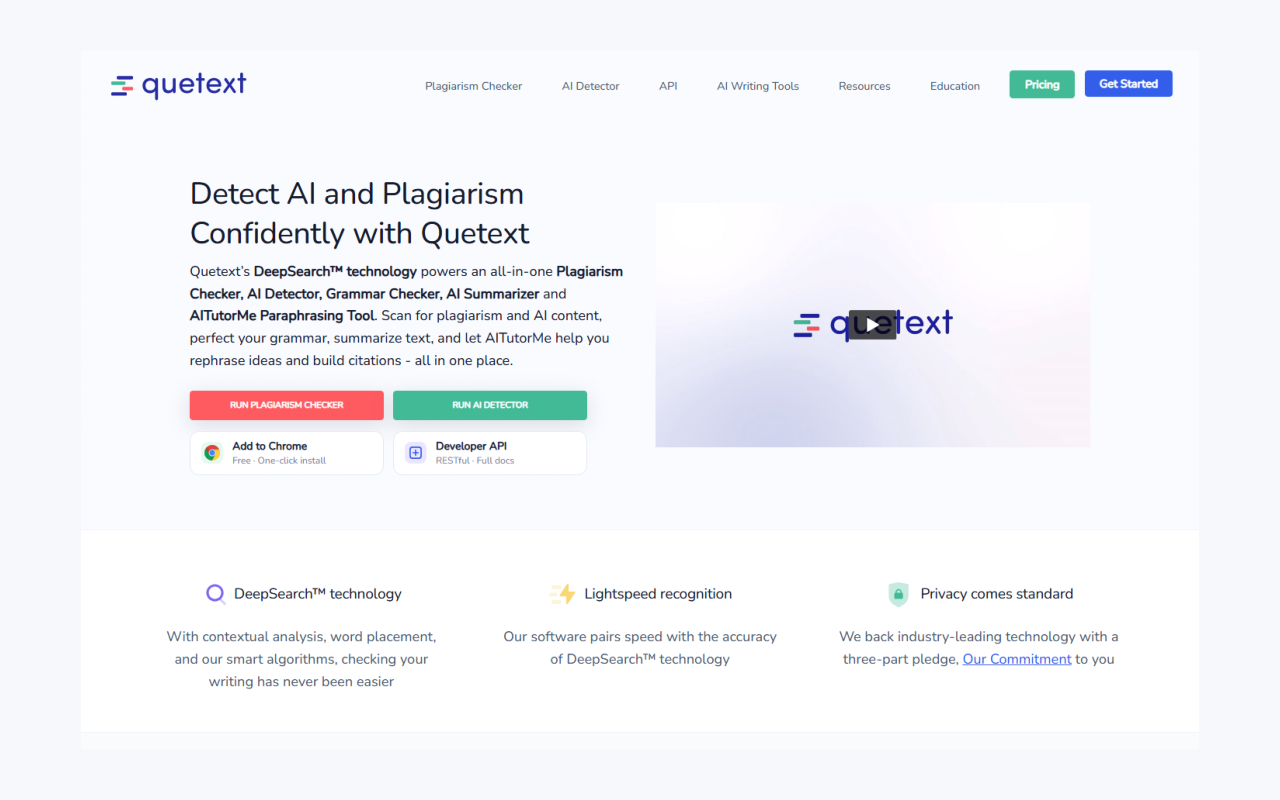
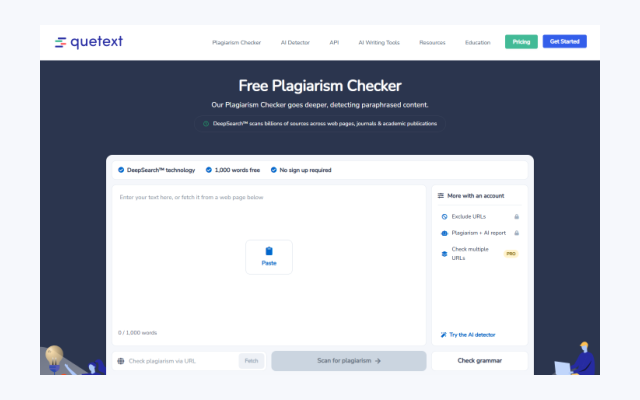
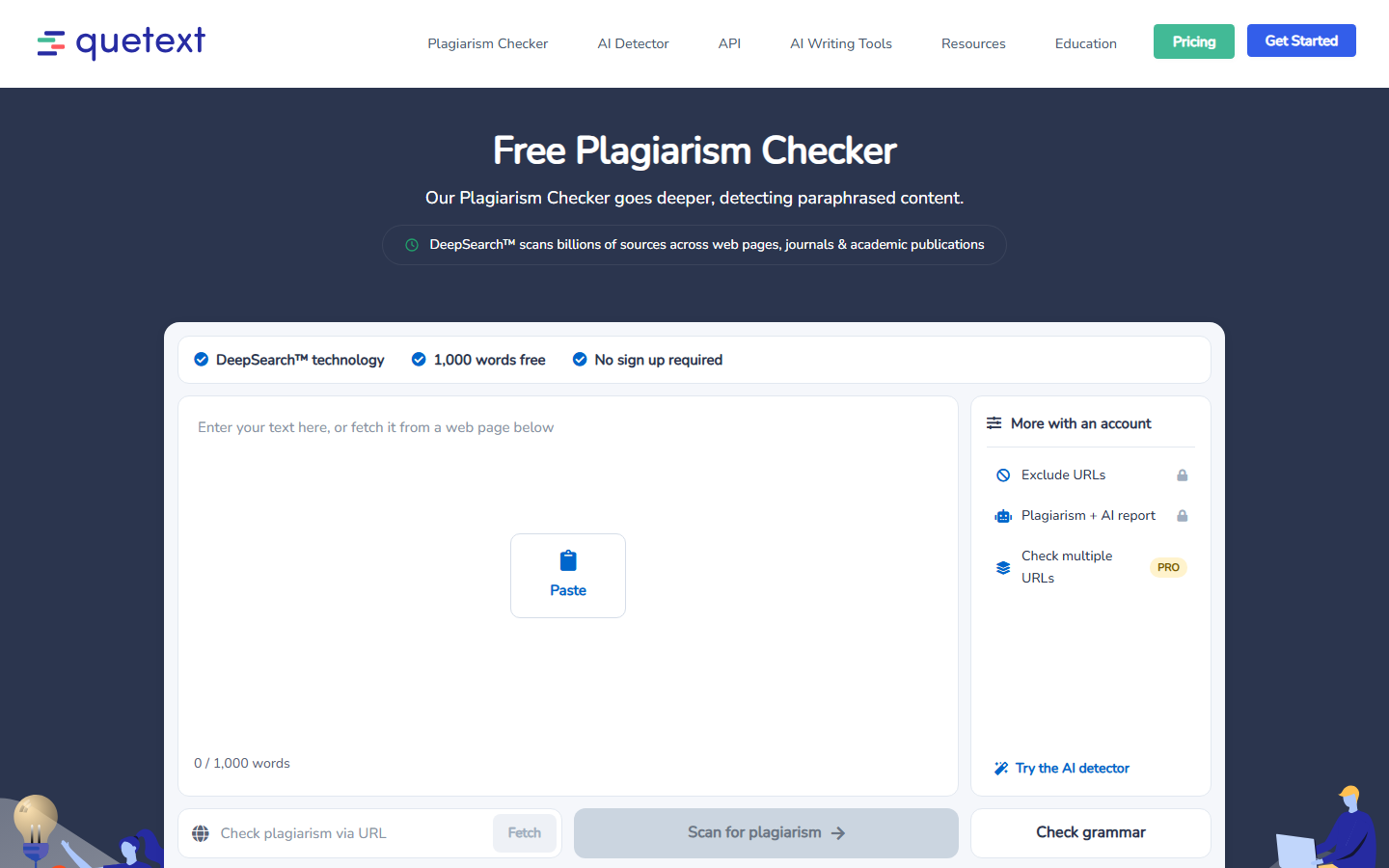
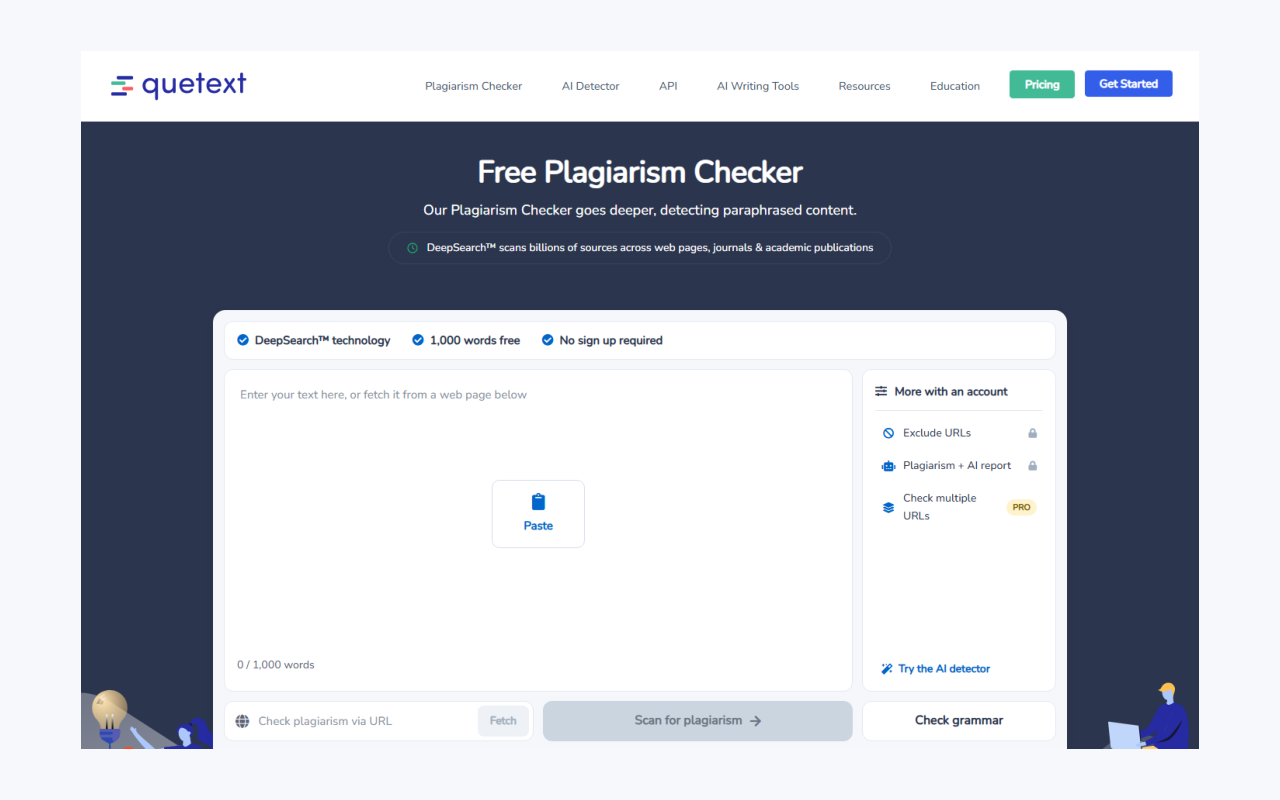
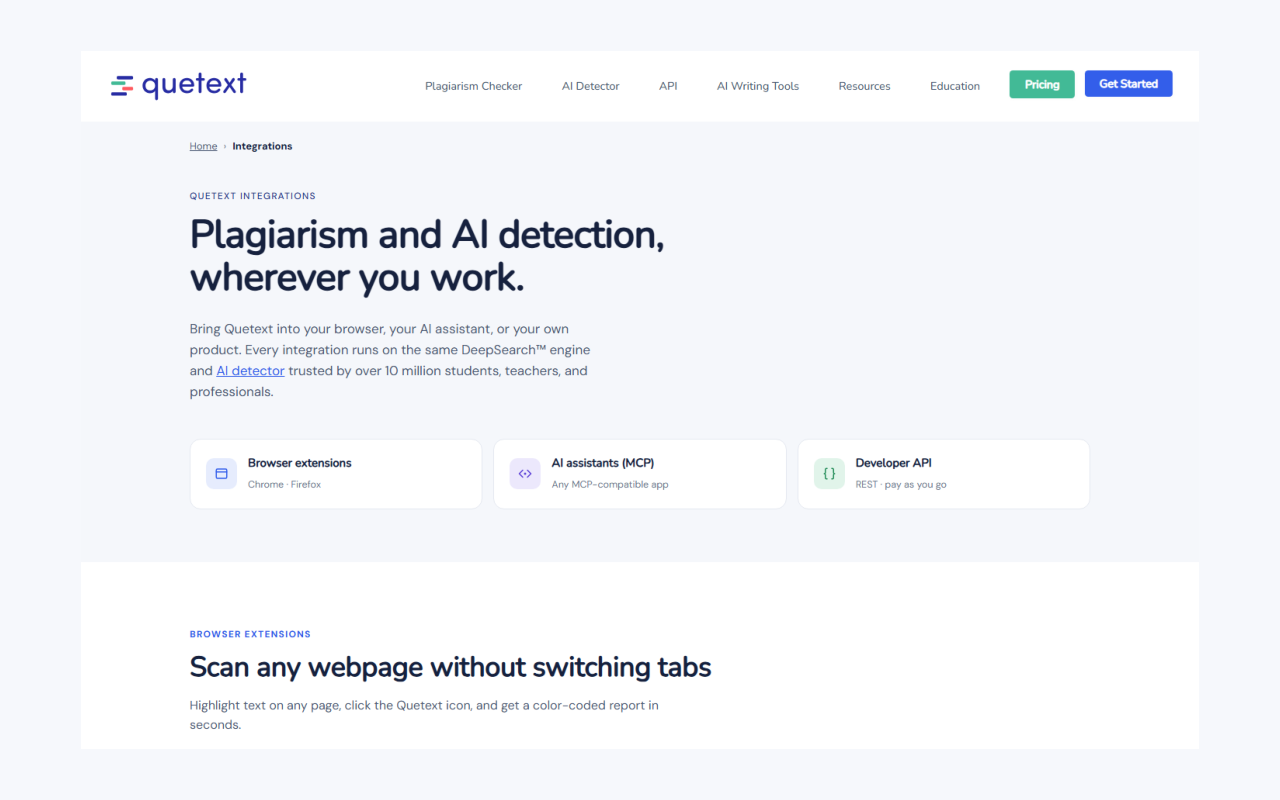
15 screenshots, each at full size, 1280 × 800 and 640 × 400. Start with the report views; the website pages work well as supporting images. The first and third previews are zoomed in so the detail is readable; the downloads are the full screenshots.
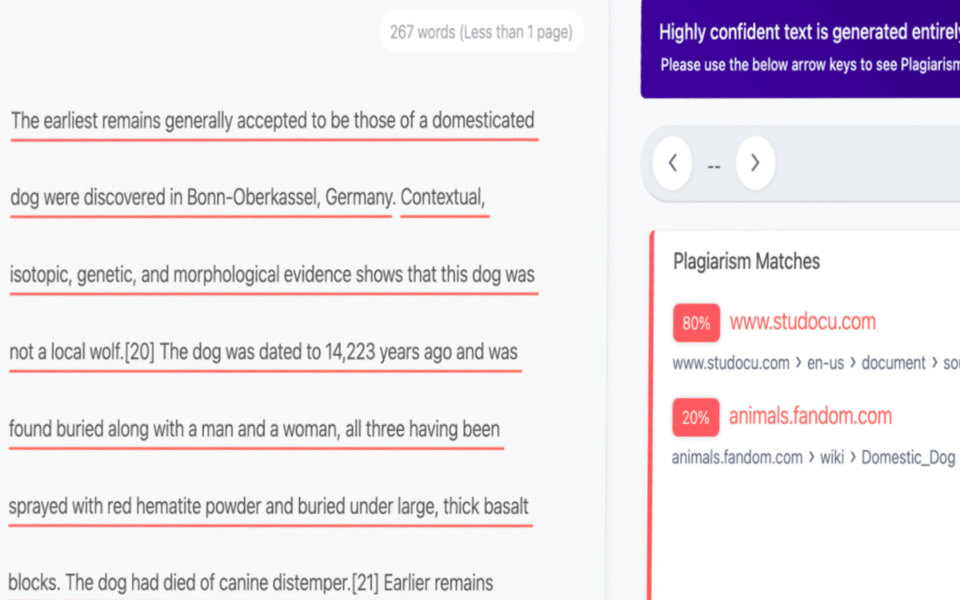
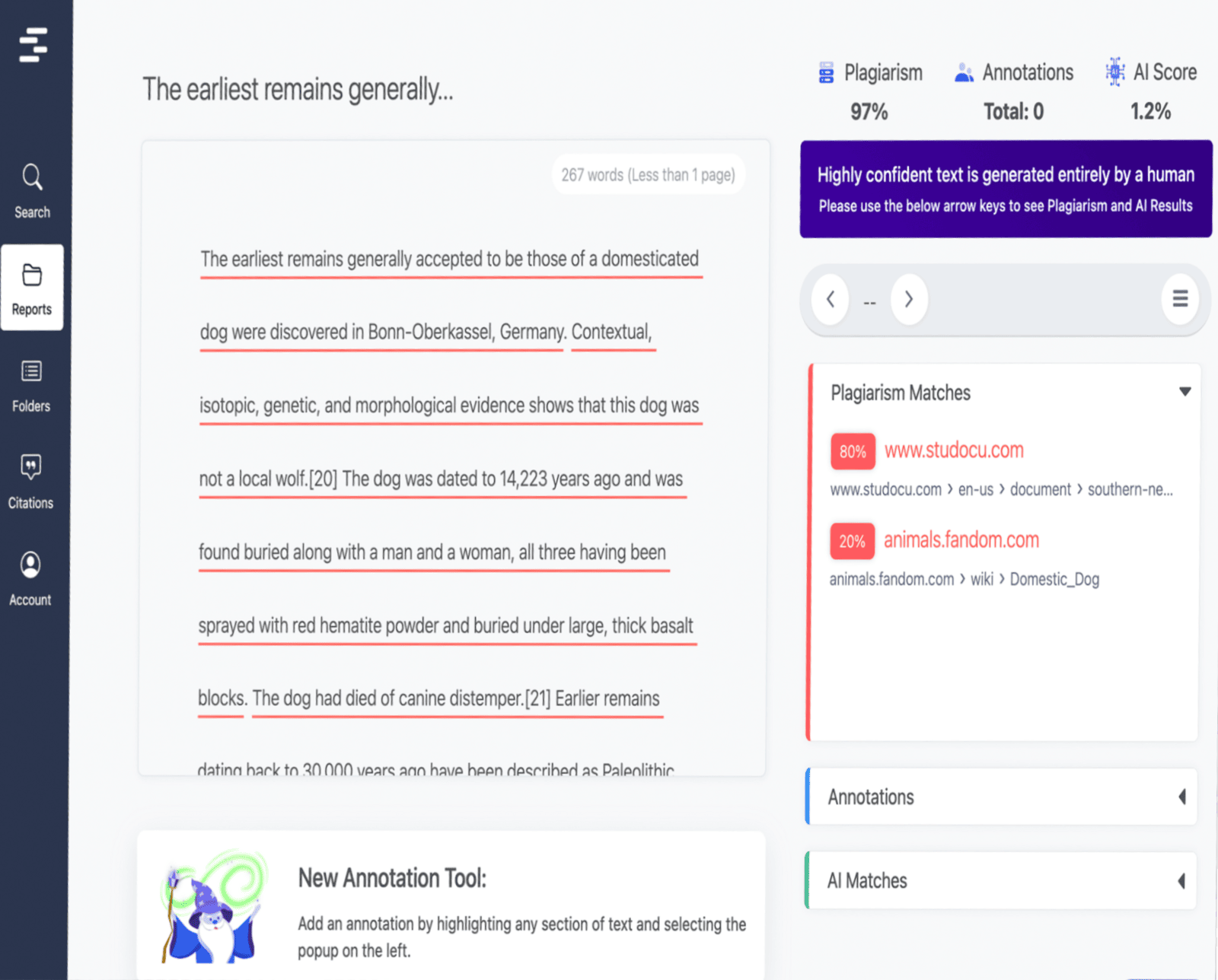
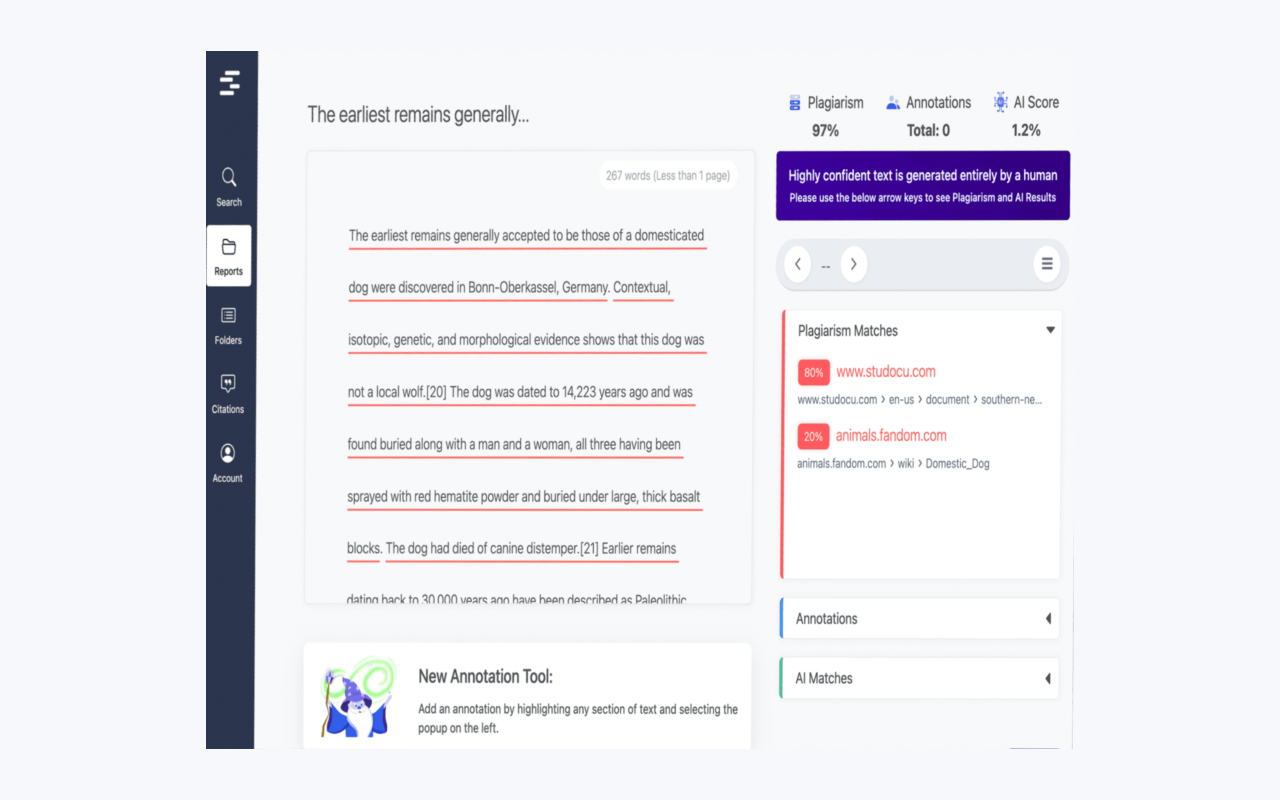
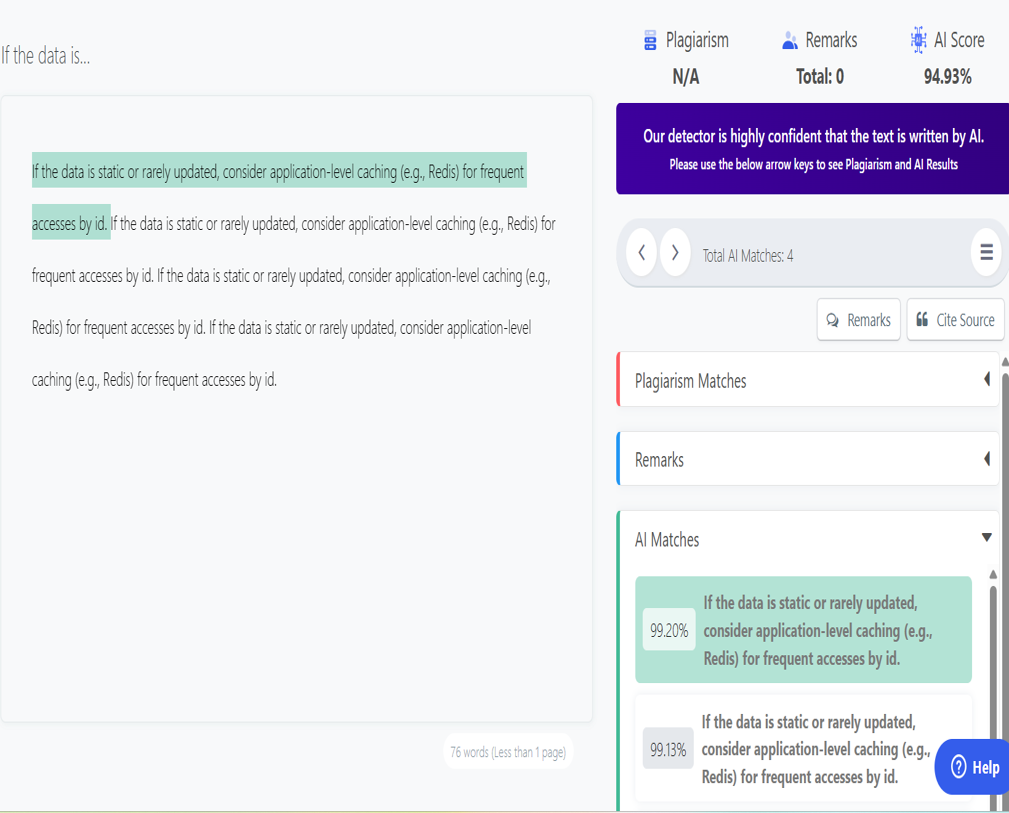
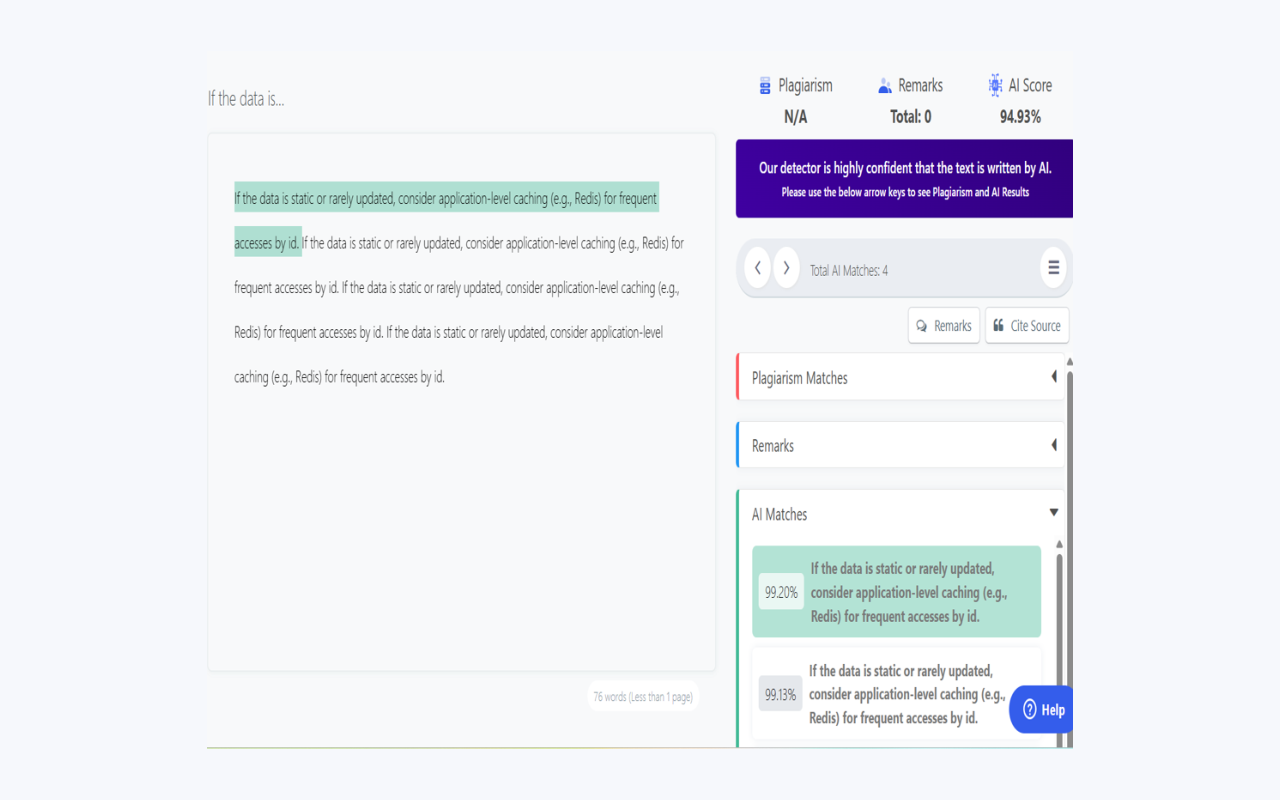
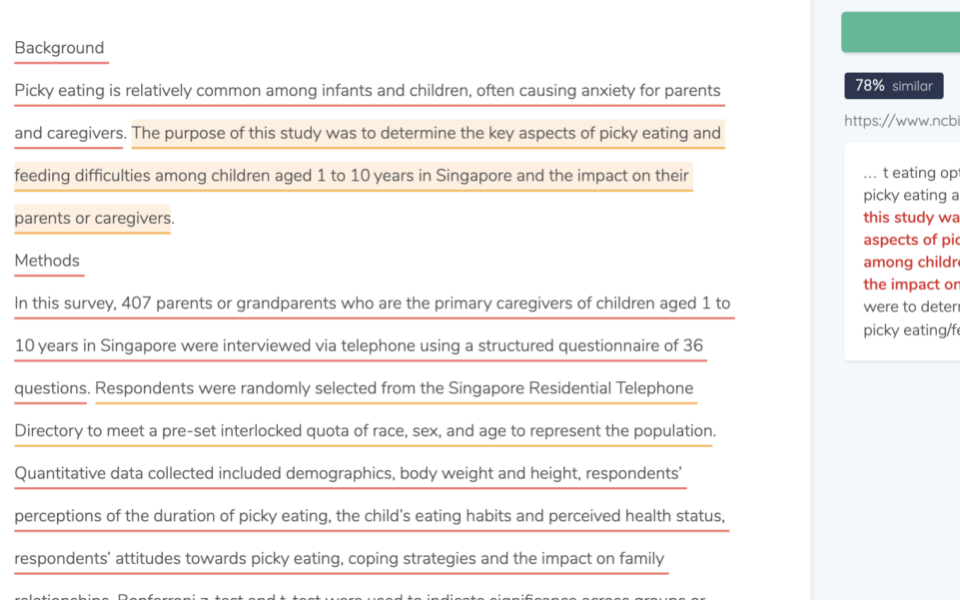
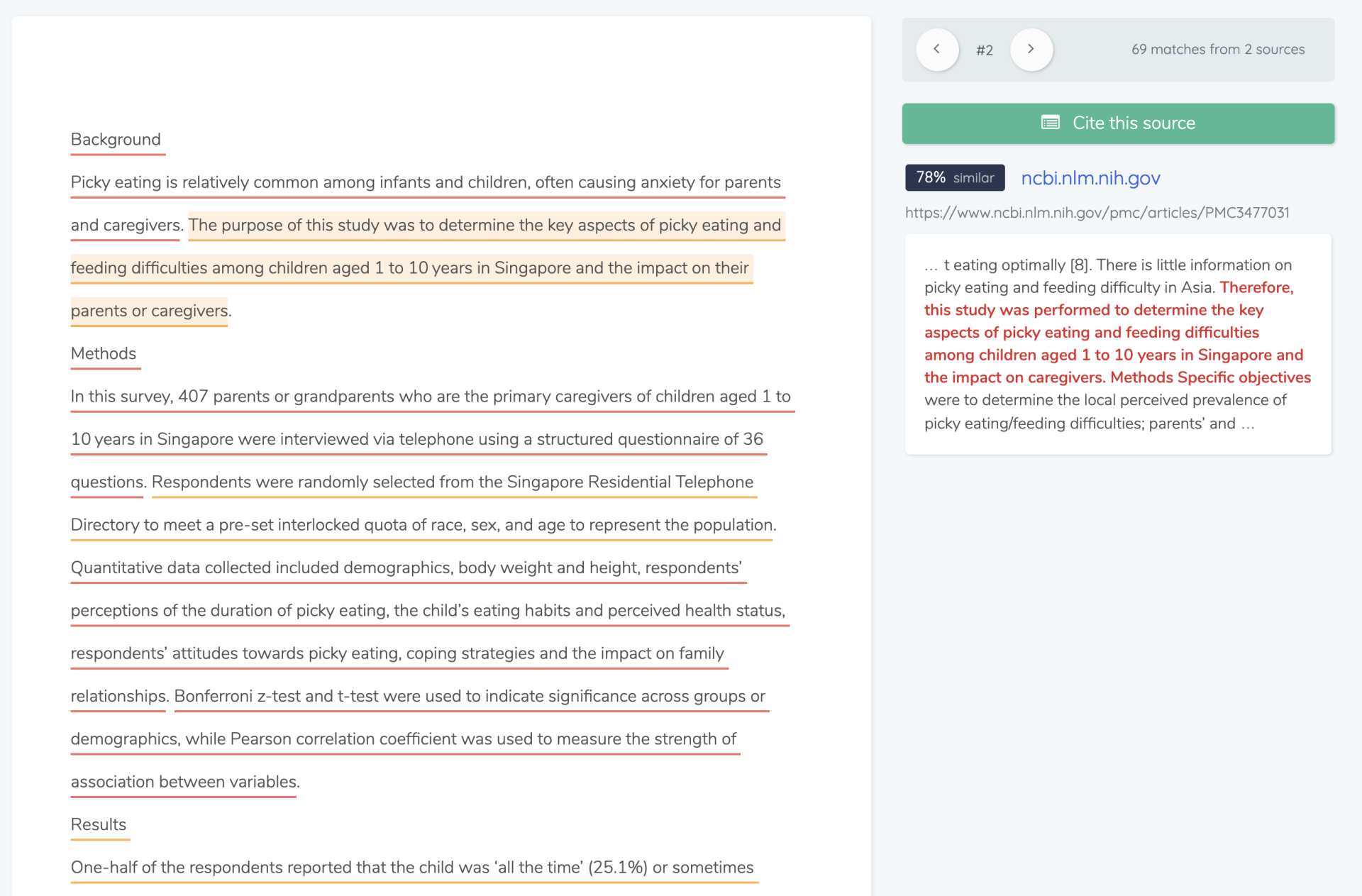
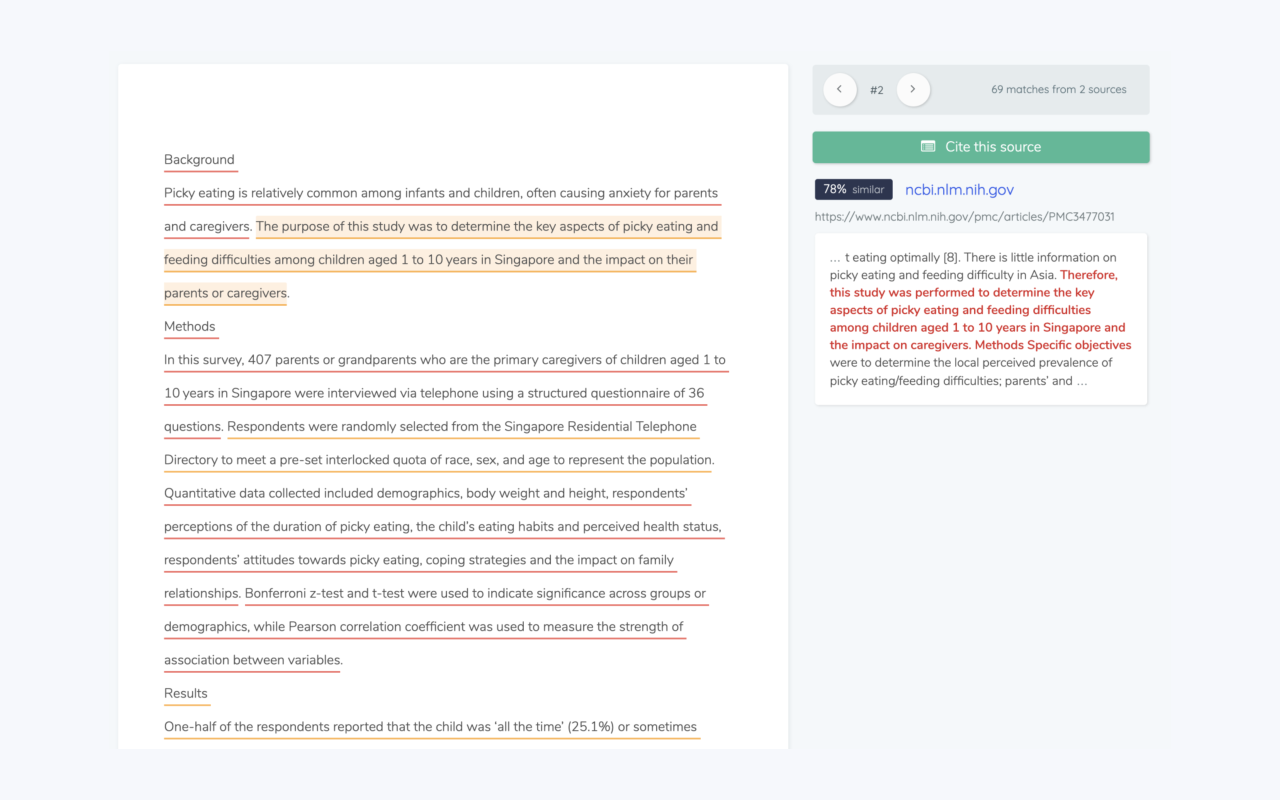
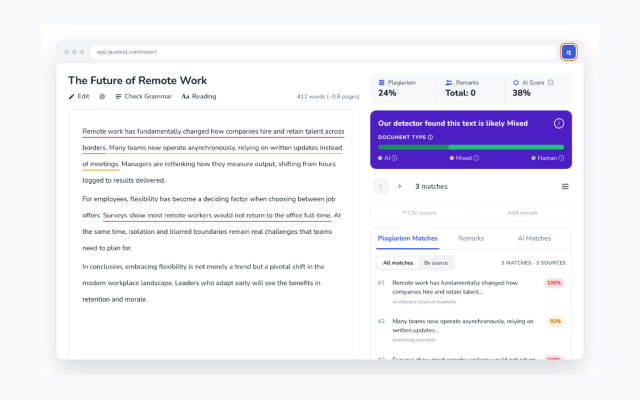
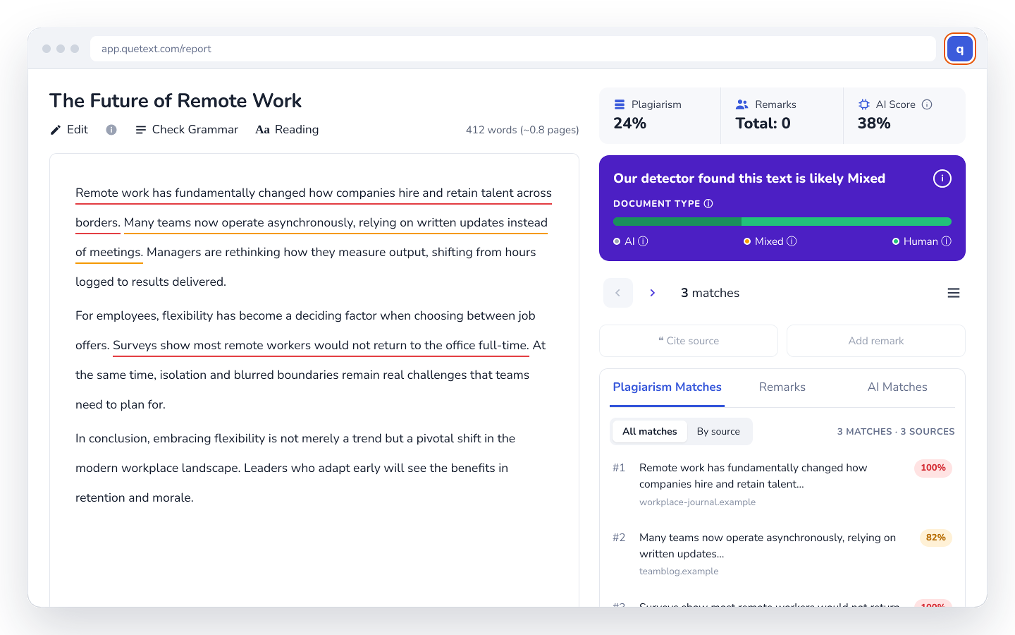
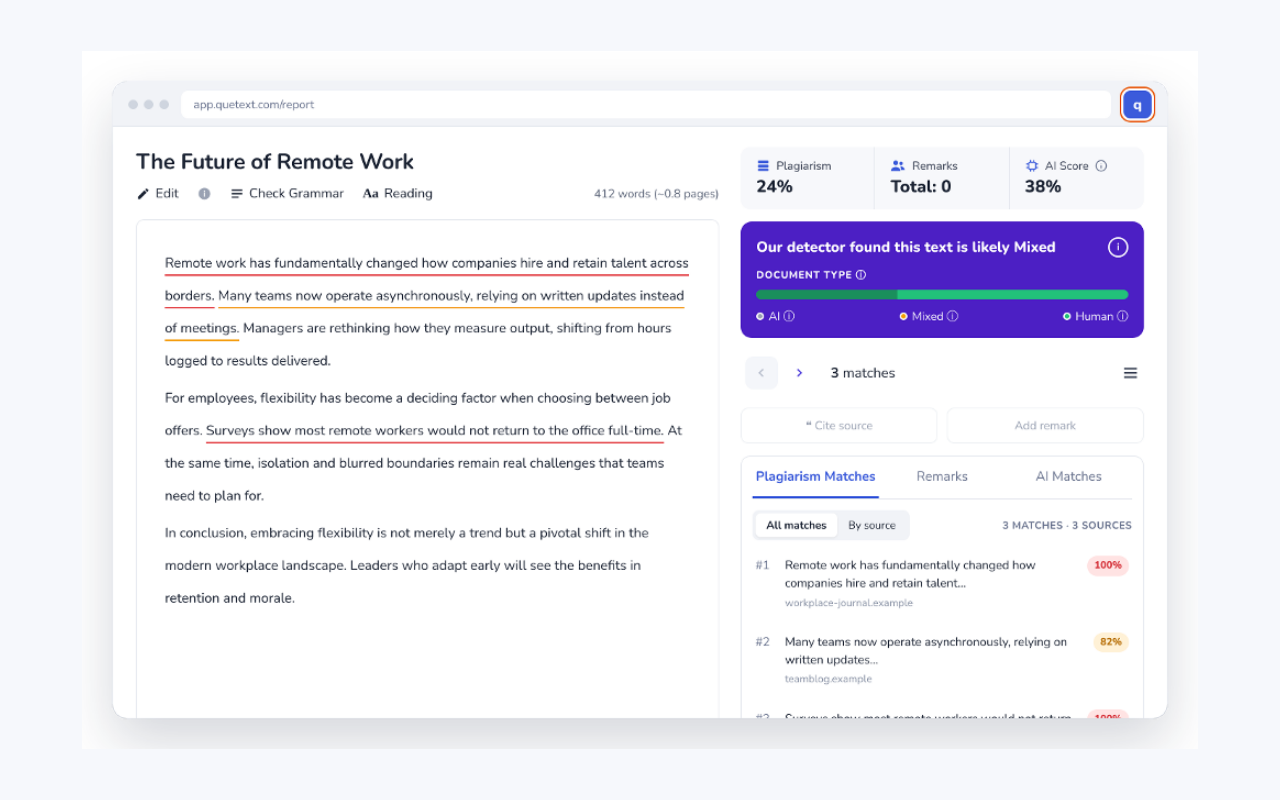
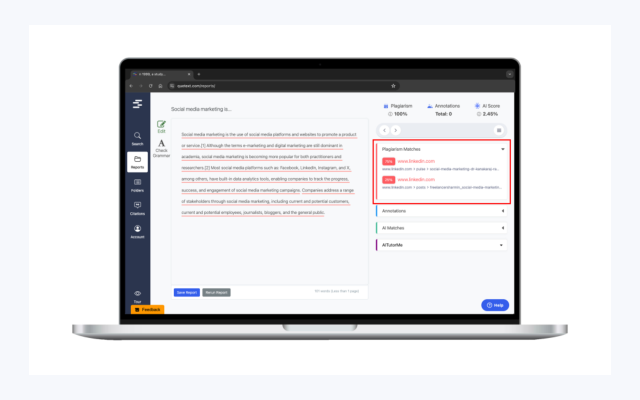
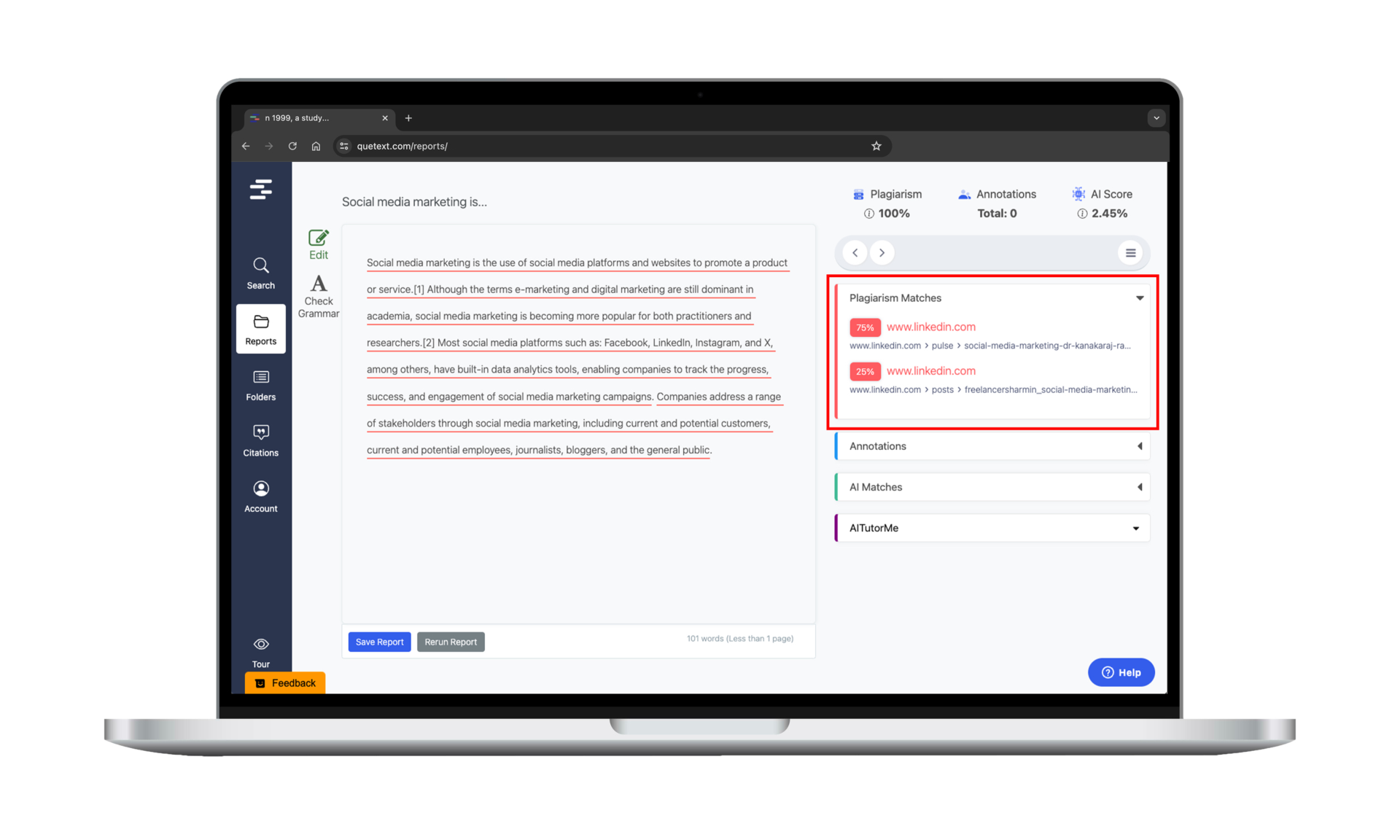
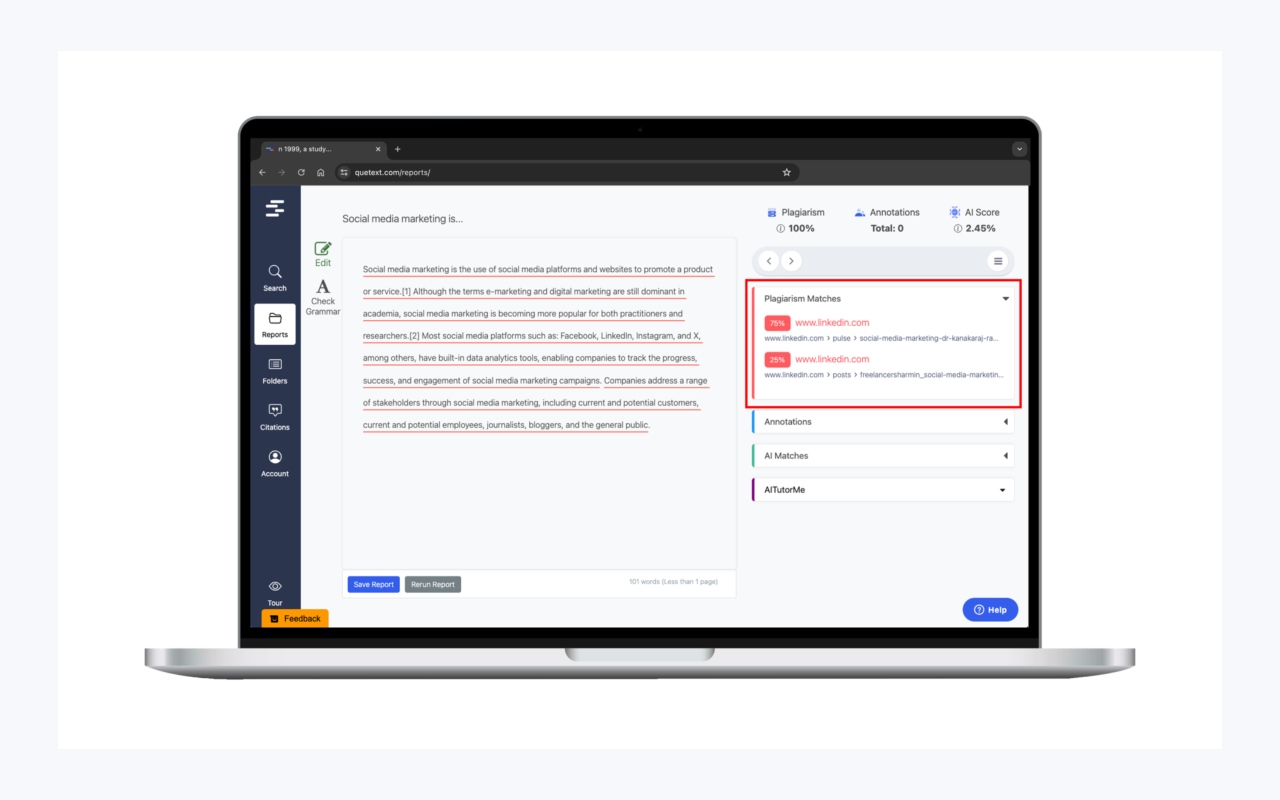
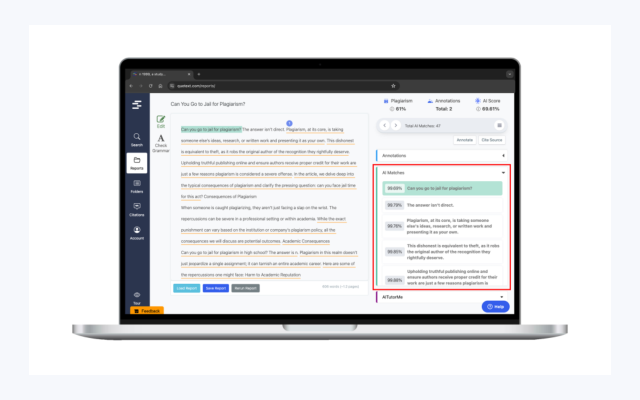
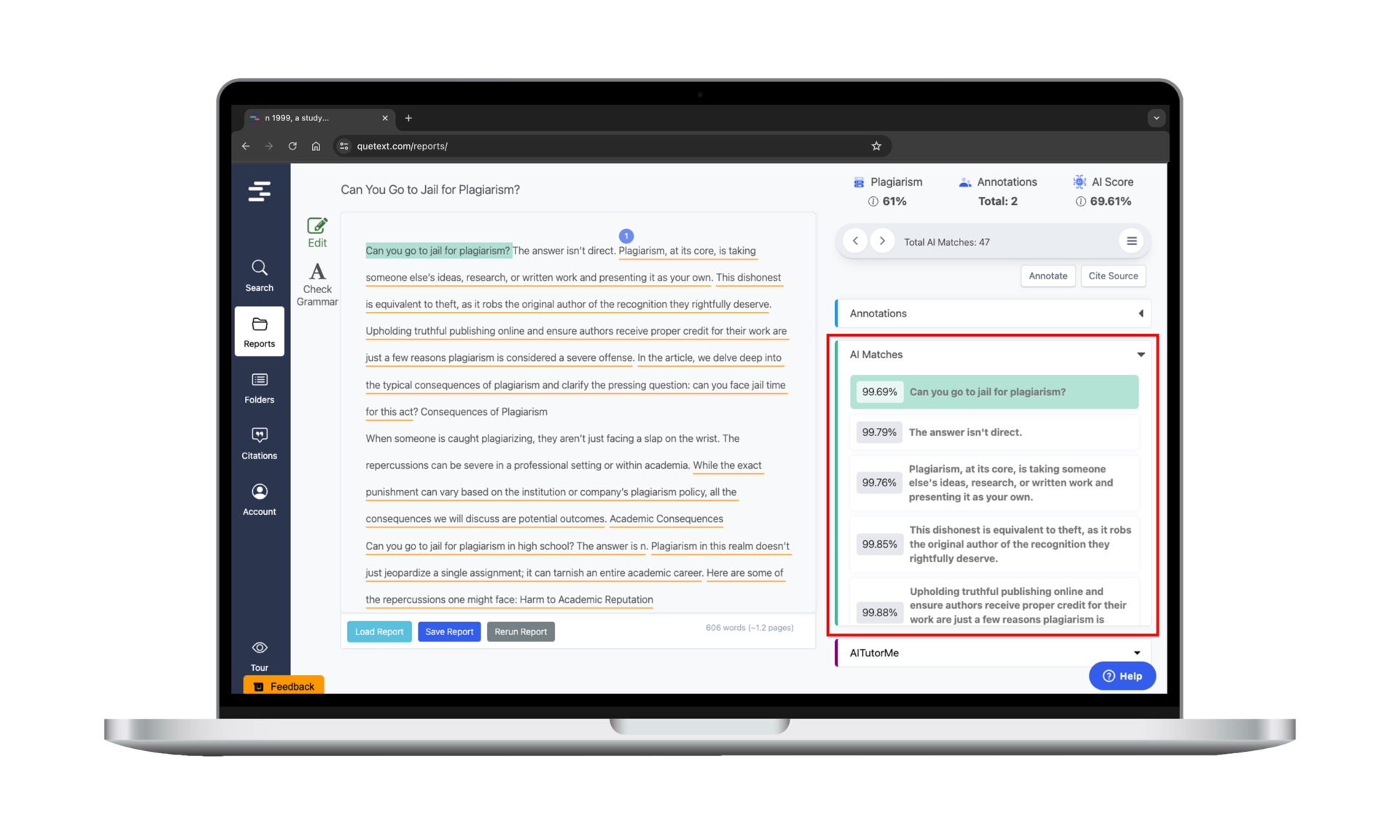
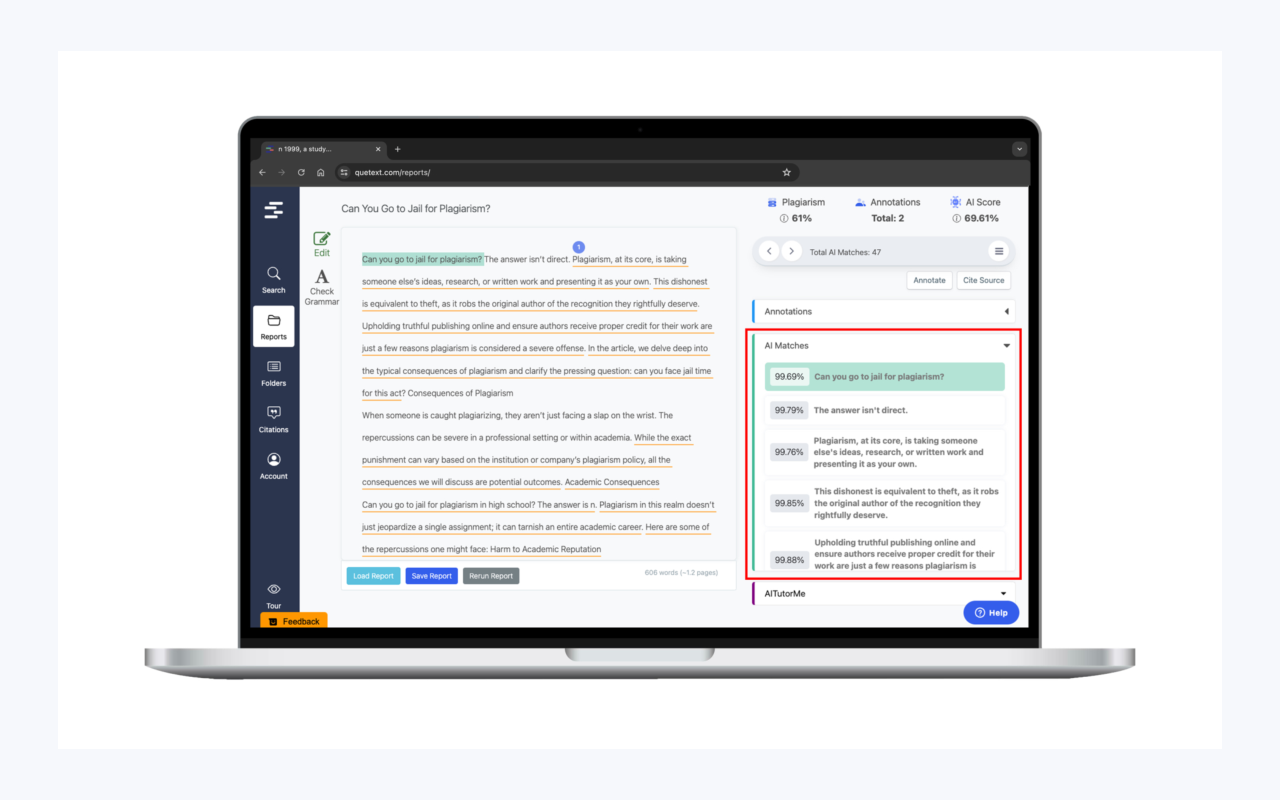
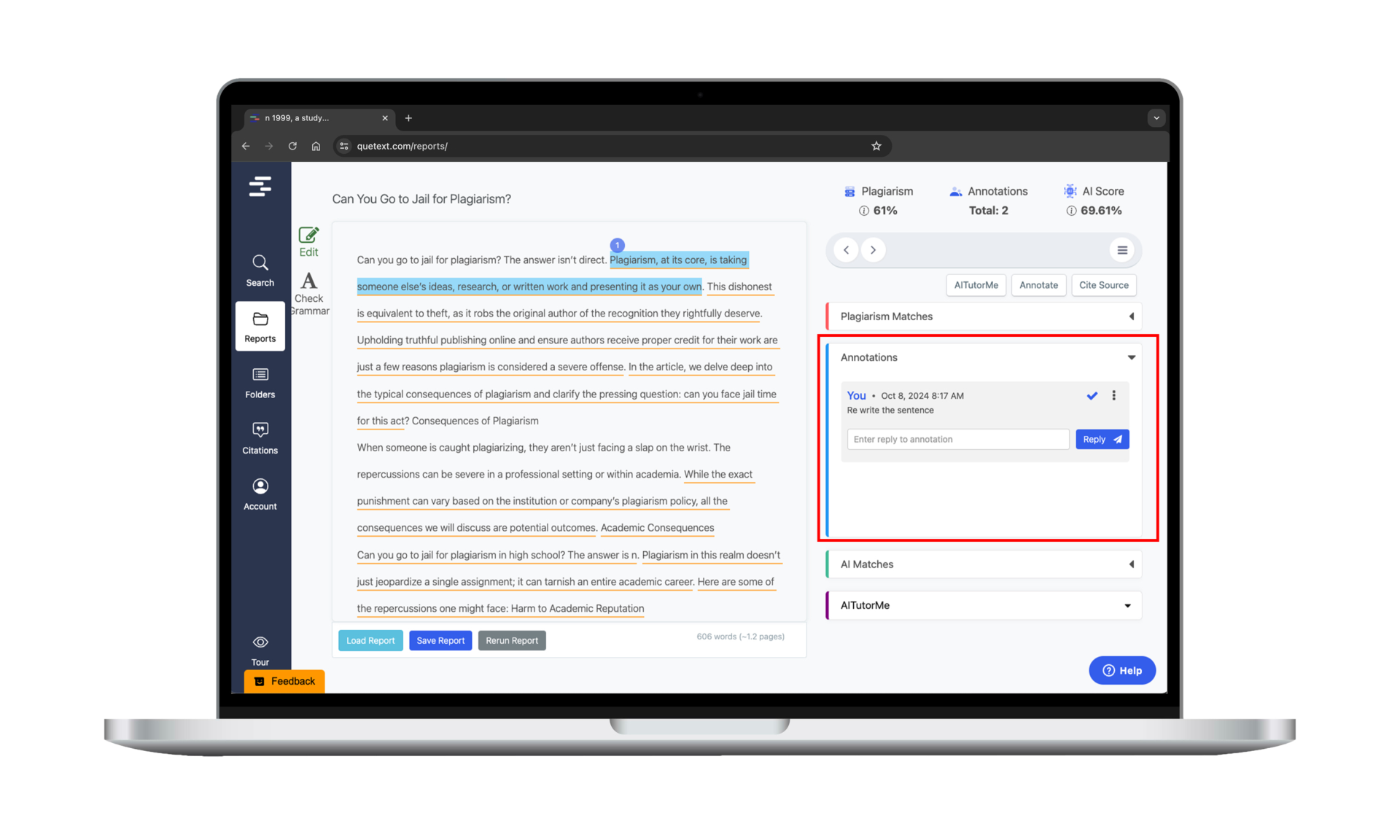
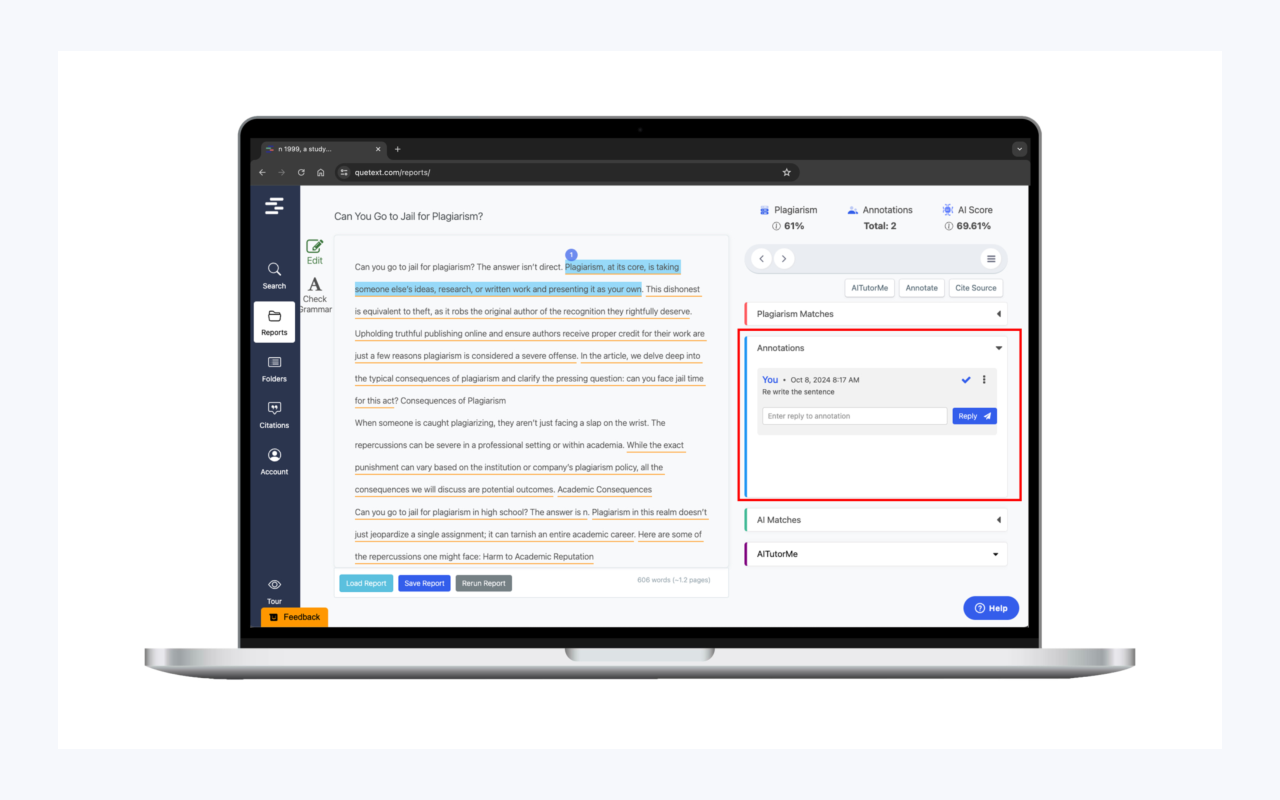
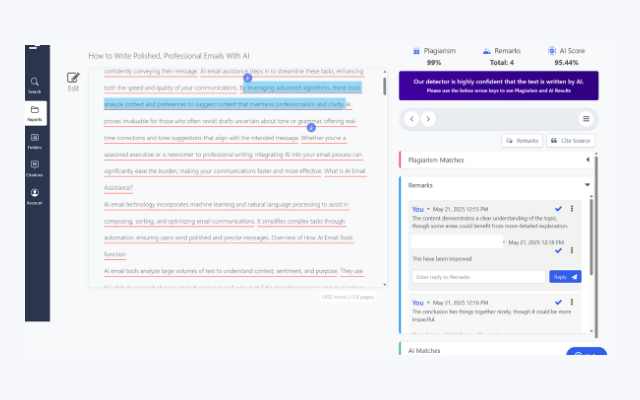
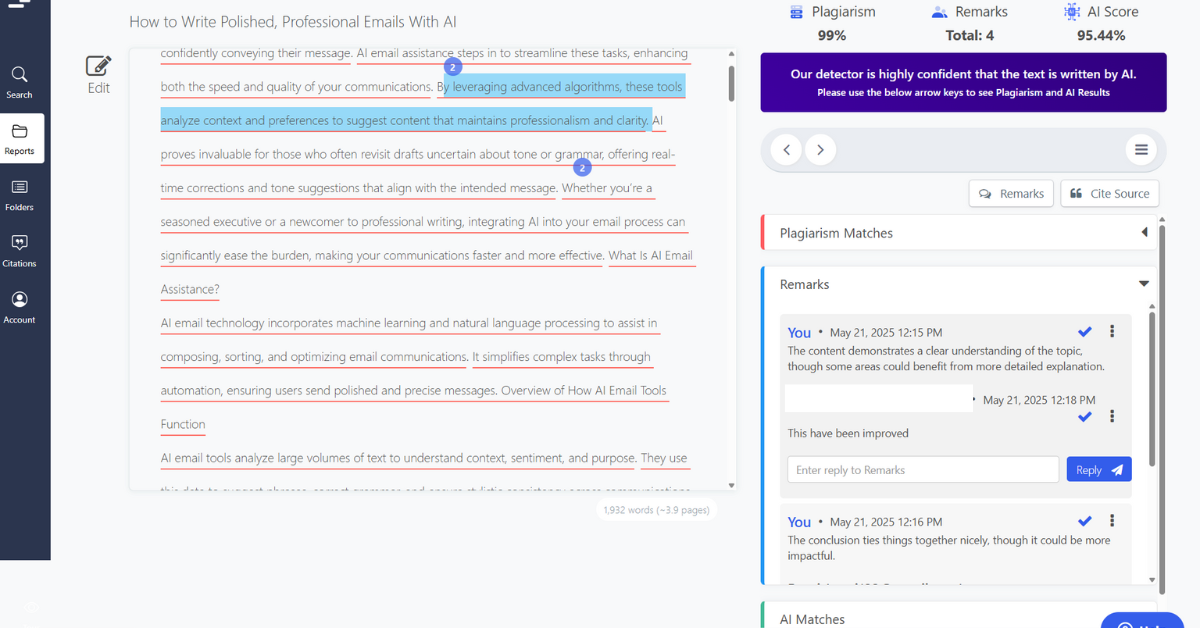
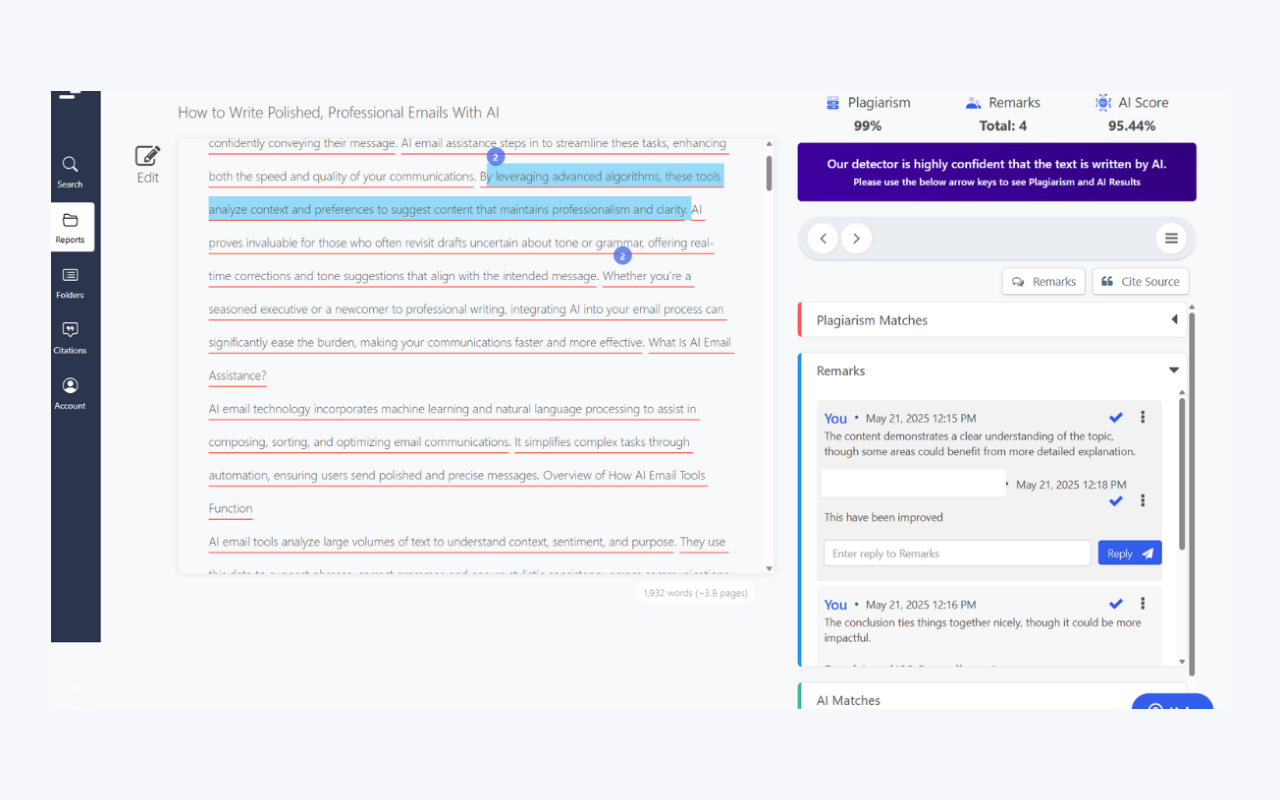
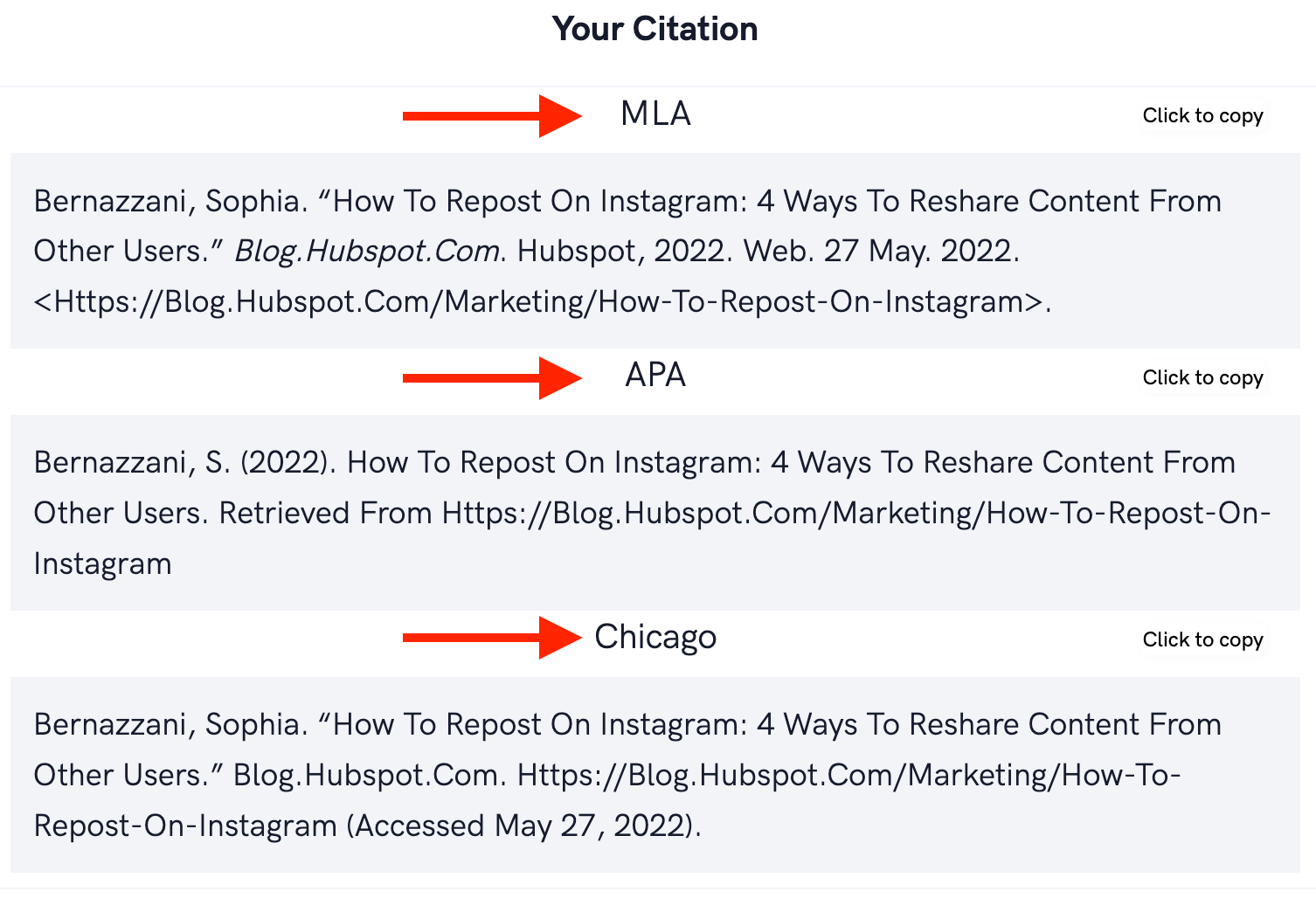
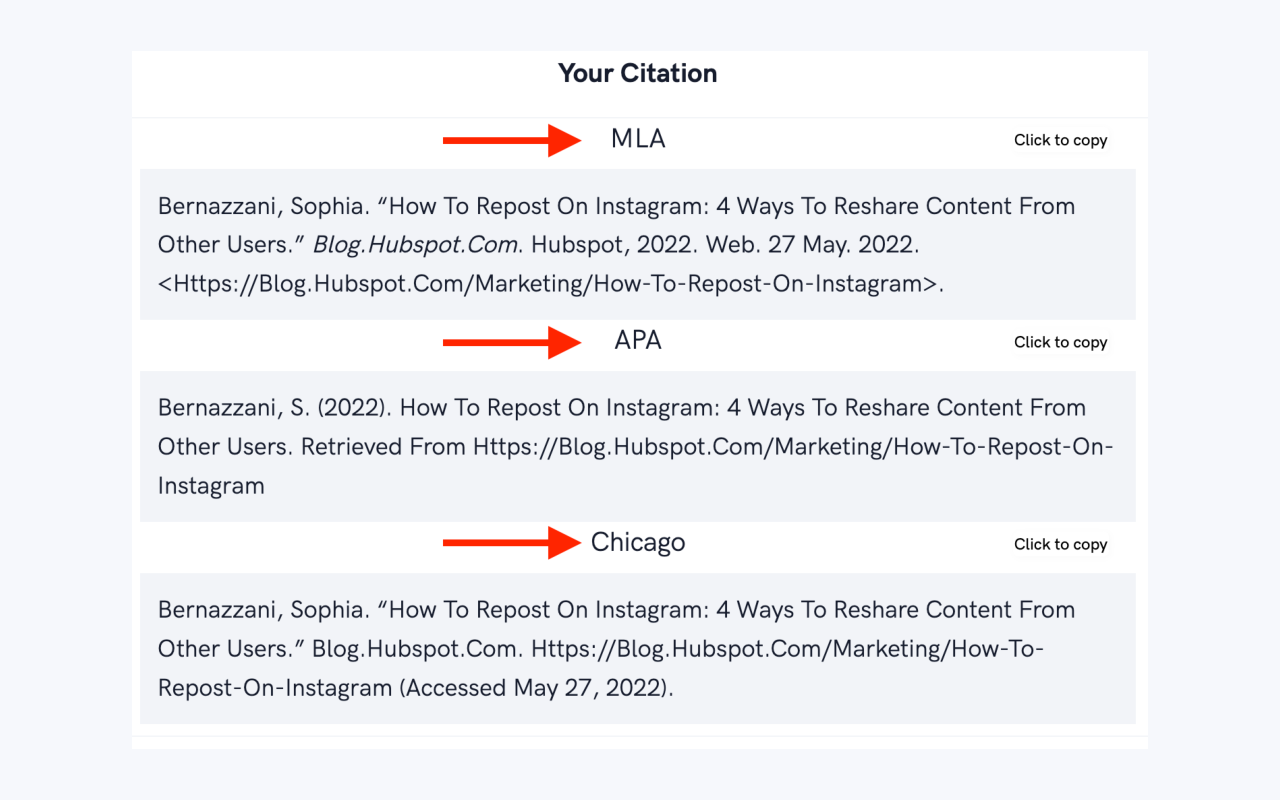
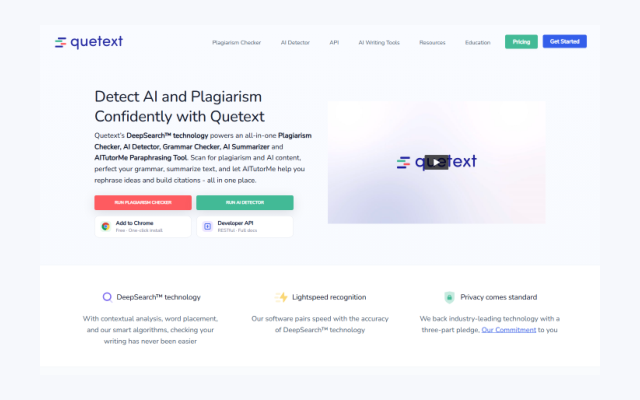
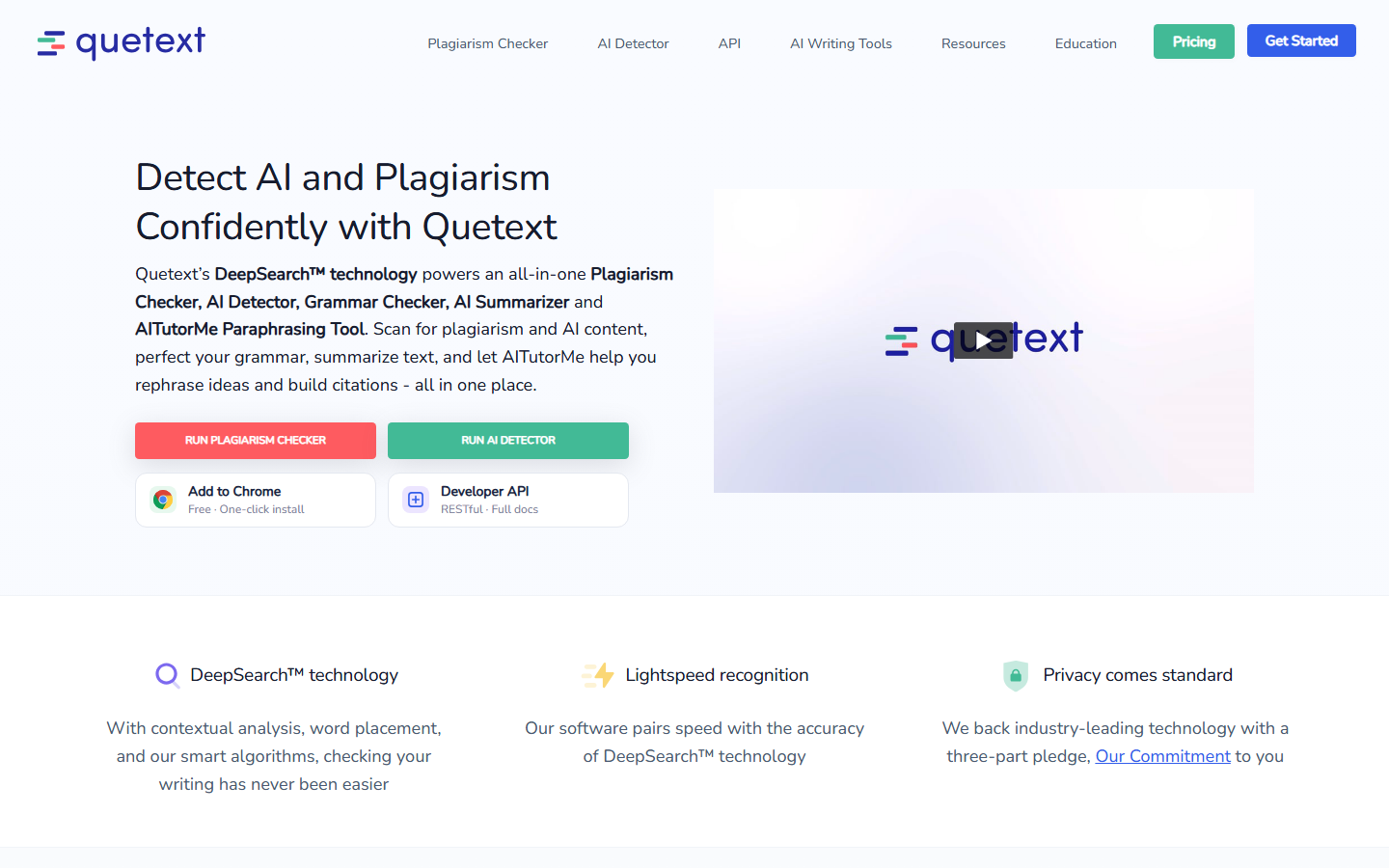
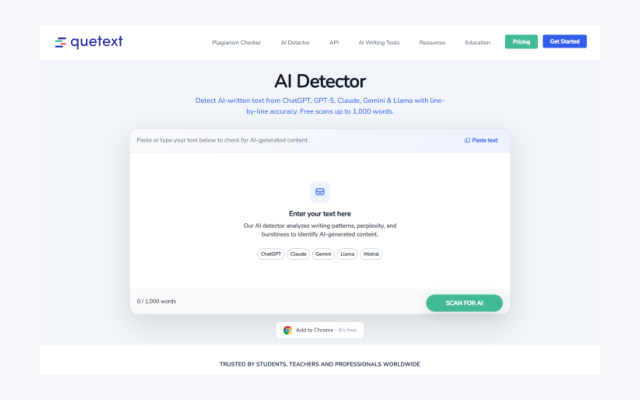
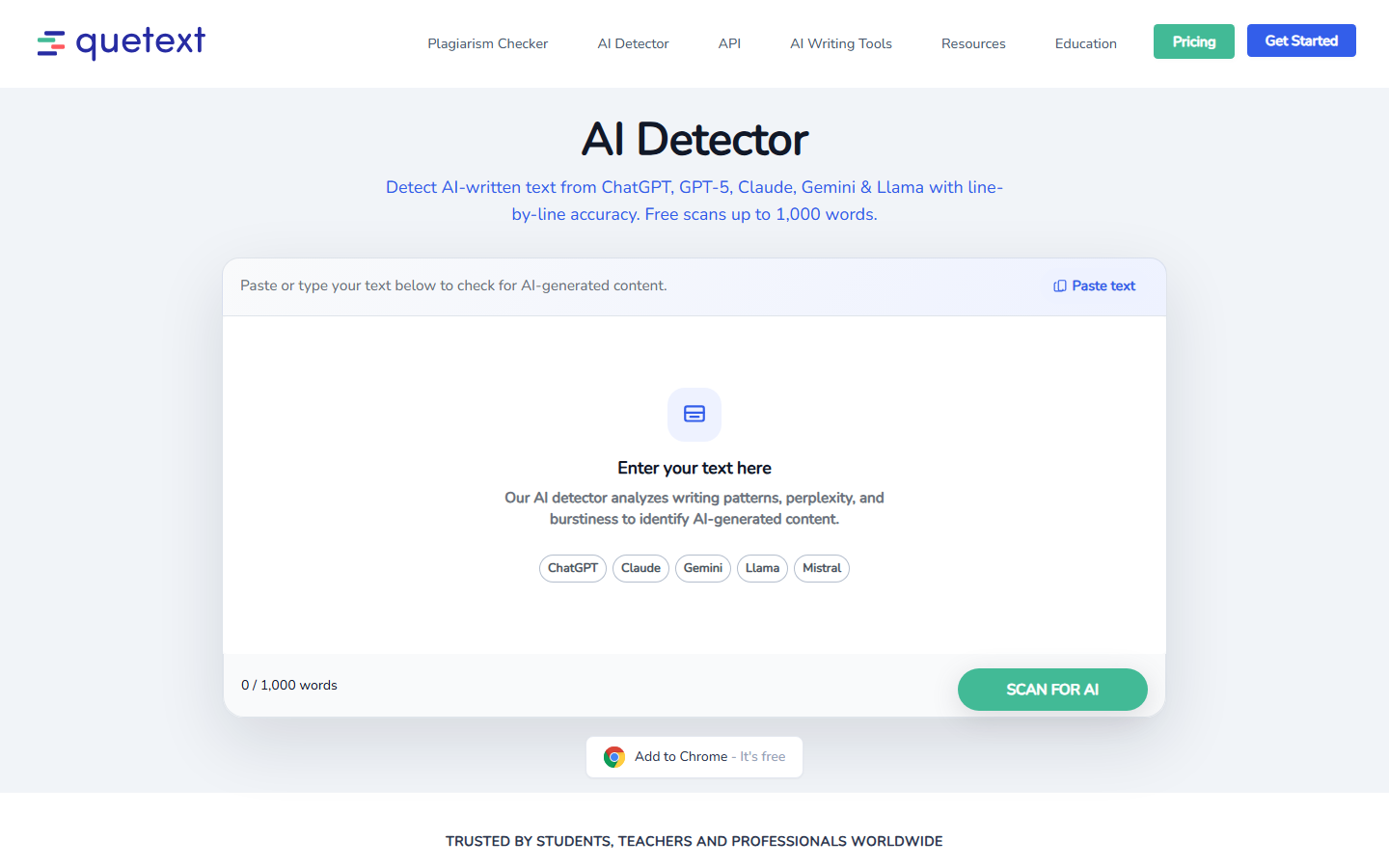
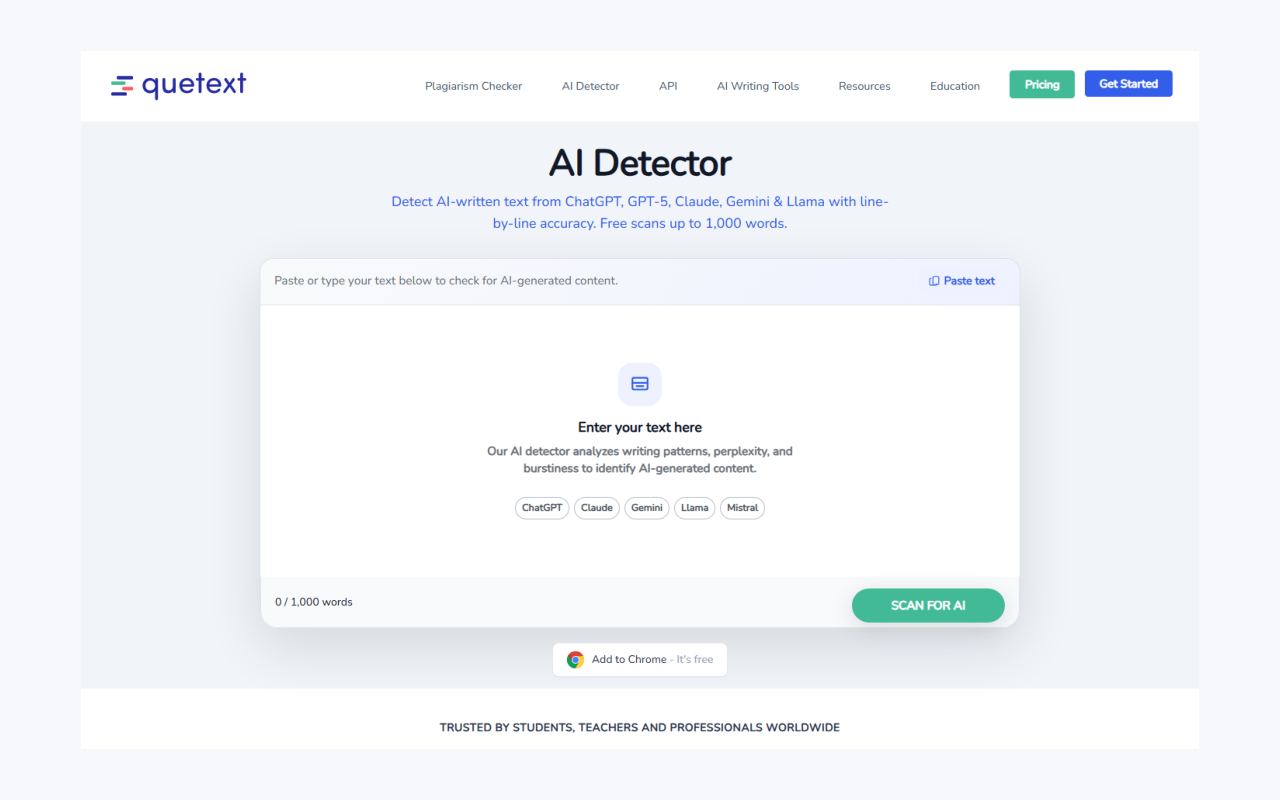
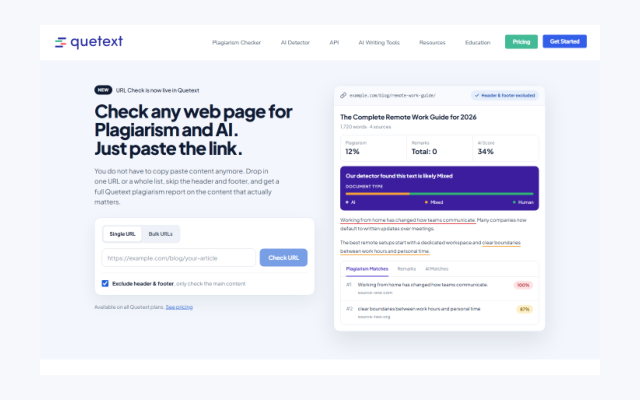
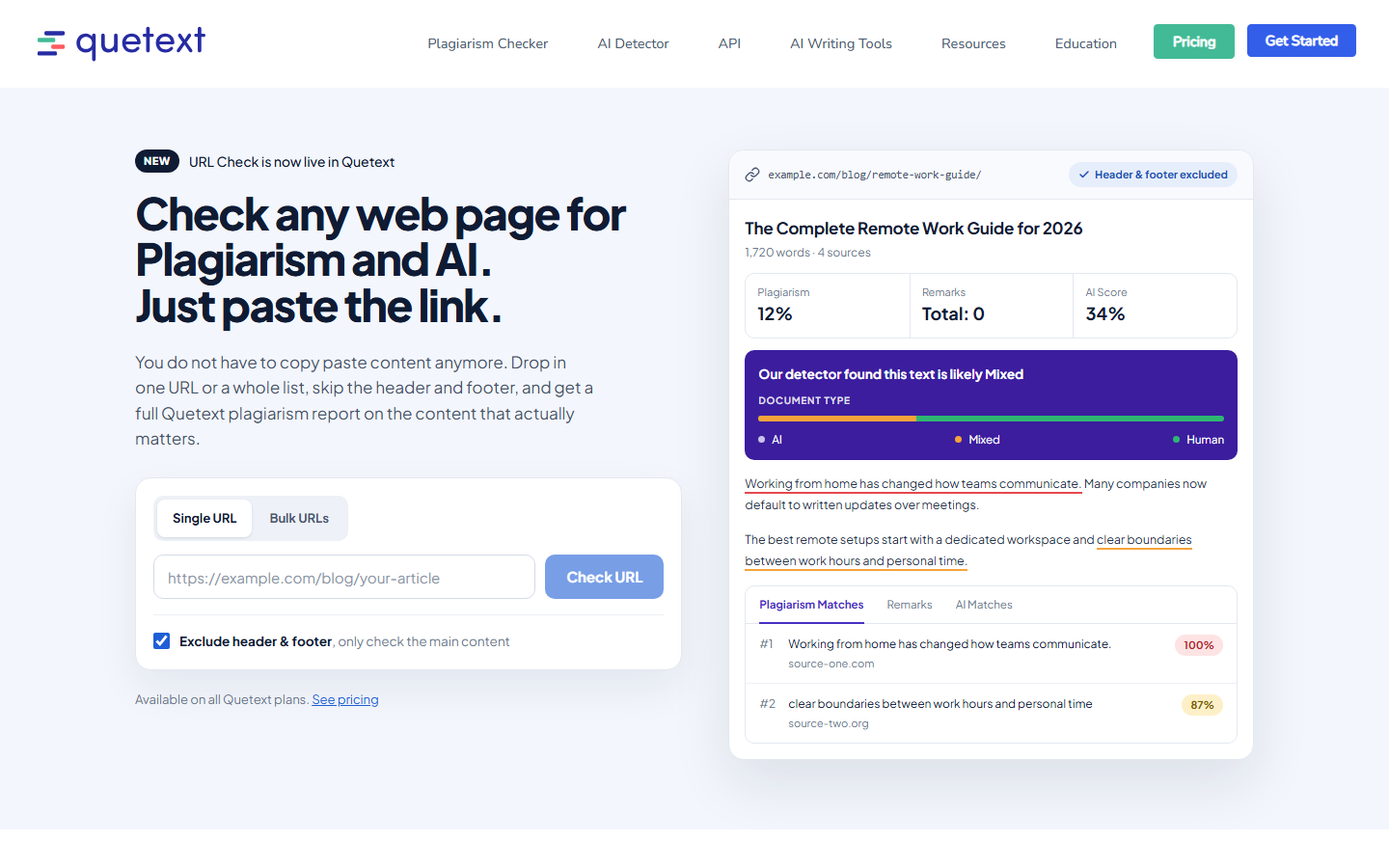
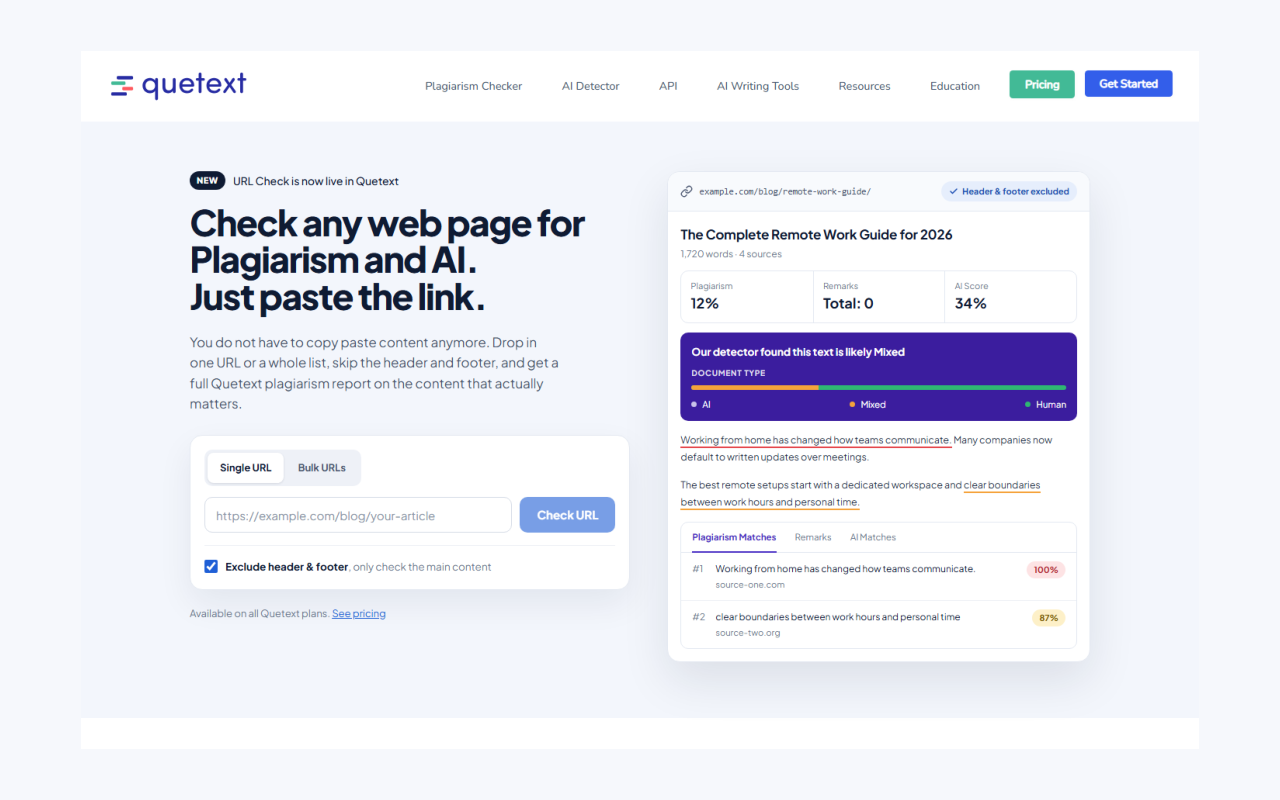
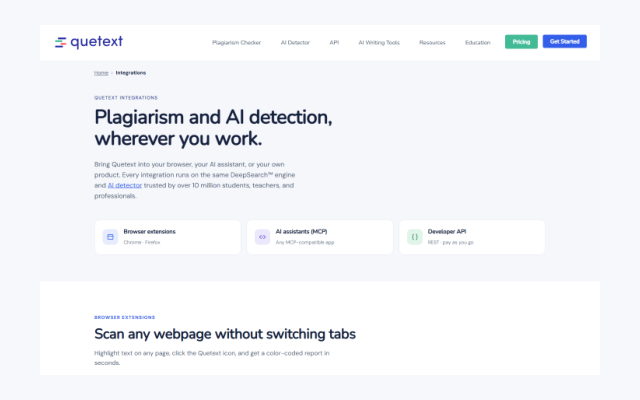
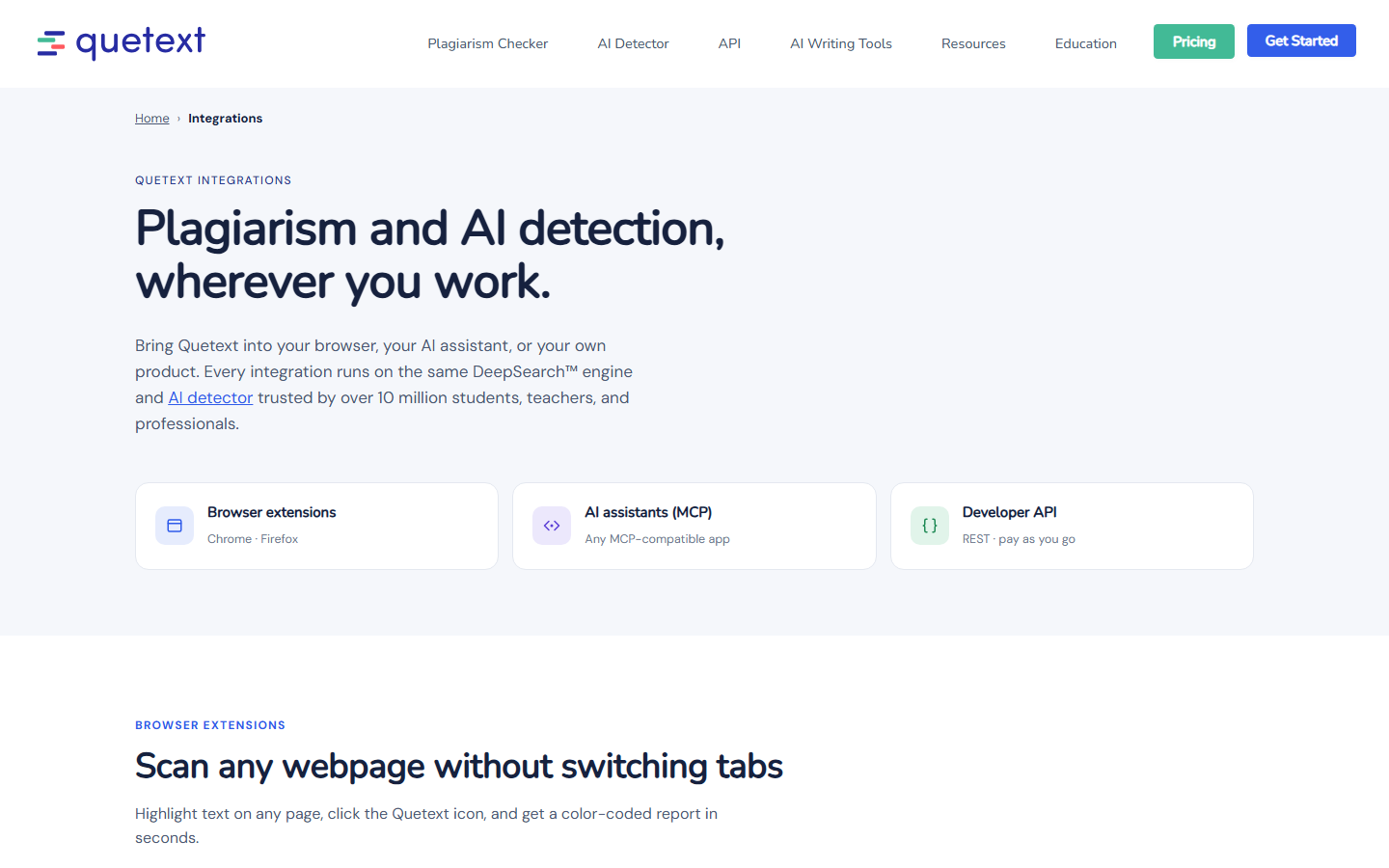
The image marked “Illustration” is a designed picture of the report, not a capture of a live account.
Need something that isn’t here?
For press, partnership or co-marketing requests, or a file format we have not listed, get in touch.